

 AdonisJS
The 5 roles
Owner runs the site. Owners can do everything, including making other Owners. A site always has at least 1 Owner. Owner isn’t given like the other roles: an Owner chooses Make Owner for someone in People & Roles. Admin manages the site, its settings, its connections and its people. Admins can do everything an Owner can, except make or remove Owners, and anything Fetchski lets only Owners manage, such as the FetchskiAI key. Editor creates, edits and publishes your content and media, and uses FetchskiAI. Editors also change Site design, and your contact details and social links. They don’t see Connections or People & Roles. Contributor writes drafts of content and adds media for an Editor to publish. Contributors submit their work for review instead of publishing it. They don’t use FetchskiAI. Viewer signs in to see private content on your site, such as a page only signed-in people can see. Viewers can’t edit anything.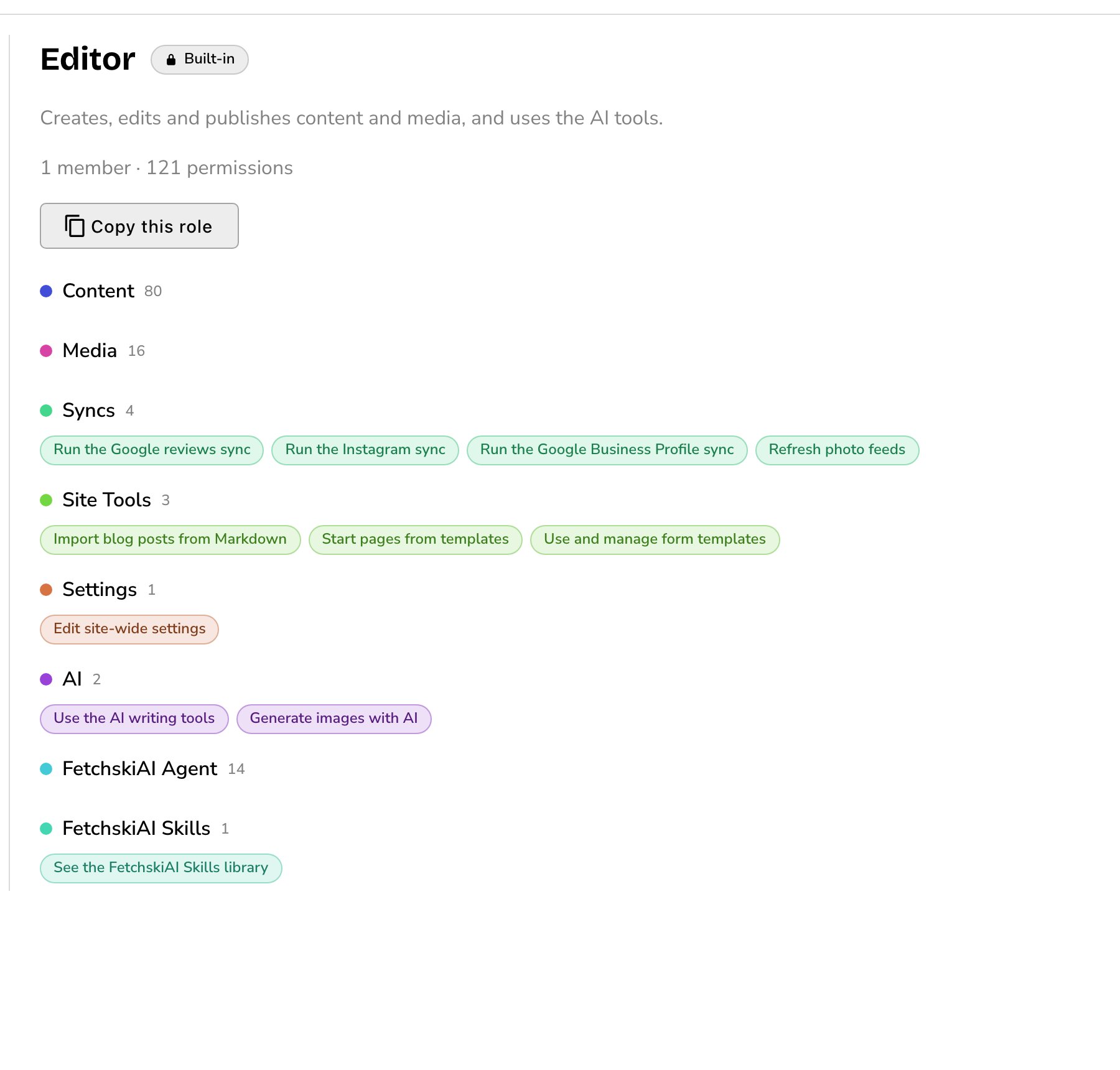
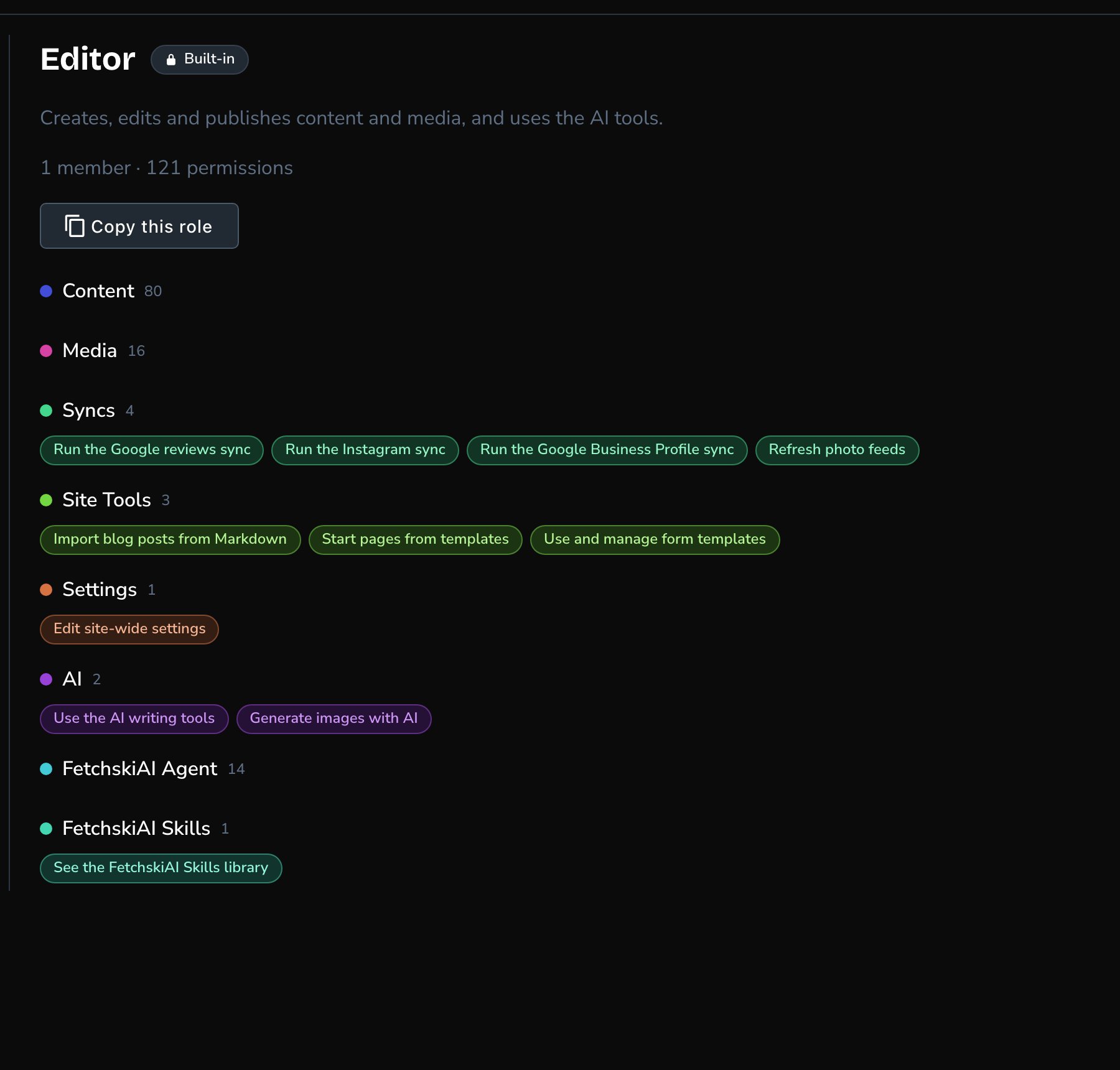
Each built-in role shows what it's for and every permission it holds.
Who can do what
When to choose which
- Owner: for the person who’s responsible for the site, such as the business owner. Keep Owners few.
- Admin: for someone who runs the site day to day, including its settings, connections and team.
- Editor: for the people who keep your content fresh and the site on brand.
- Contributor: for someone whose work should be checked before it goes live, such as a new team member.
- Viewer: for someone who only needs to see private pages.
A short example
At Parker’s Puppy Playland, Jordan Parker is the Owner.- Jordan makes the office manager an Admin, so they can look after settings, connections and the team.
- The front desk lead gets Editor. They update the class schedule, publish blog posts and use FetchskiAI.
- A part-time trainer gets Contributor. They write blog posts about training tips, and the front desk lead publishes them.
- Jordan gives the front desk lead one extra permission, See site analytics and ad metrics, so they can check visits too.
Good to know
- A sync copies the latest from a connected service onto your site, such as new Google reviews, Instagram posts or feed photos. Most syncs run by themselves, on the schedule set in Connections. Photo feeds can also be refreshed by hand with Refresh now.
- Built-in roles can’t be changed. To make a role that fits your team, copy a built-in one in People & Roles with Copy this role, then add or remove permissions.
- Single permissions go on top of a role. In People & Roles, Give a permission adds one permission for one person, without changing their role.
- A person can hold more than one role. They can do everything any of their roles allows.
- Some permissions are sensitive. They’re marked Sensitive, such as connection settings and API keys. Giving them needs the Give sensitive permissions permission. Among the built-in roles, only Admins and Owners have it, but one of your own roles can include it.
- Some FetchskiAI settings are Fetchski’s. Fetchski manages the FetchskiAI key for your site, and can let Owners manage it. Contact Fetchski Support.
- New people start with nothing. Fetchski gives them access, they sign in once, and then an Admin or Owner gives them a role. See Sign in.
Related
People & Roles
give roles, make your own roles, and see every change.
Sign in
how a new person gets in for the first time.
Drafts, publishing and scheduling
how Contributors submit work and Editors publish it.
Custom CSS
what Admins and Owners can do with CSS.