

 AdonisJS
How it fits together
Three things work together, each on its own screen:- The switch: one setting that turns conversion tracking on for the whole site. It’s on the Conversions card in Visitor data.
- Conversions: your rules. Each conversion says which visitor action counts, such as “the booking form is sent”, what it’s worth, and where to send it. You list them on the Conversions screen.
- Conversion Events: the record. Each time a visitor does what a rule describes, one conversion event is saved. You read them on the Conversion Events screen.
- From the page: the platform’s own tag, running in the visitor’s browser, reports it. This needs only the tag in Embed scripts. Ad blockers can stop it.
- From the server: your site reports it to the platform directly, without going through the visitor’s browser, so ad blockers can’t stop it. This also needs the platform connected in Connections. That’s the optional part: skip it and page sends still work.
Words used here
- Ad platform: where you run ads, such as Google Ads, Meta (Facebook and Instagram) or TikTok.
- Analytics tool: measures visits rather than running ads, such as Google Analytics 4.
- Tag manager: a tool that loads other tags for you, such as Google Tag Manager. Its container is the set of tags it holds.
- Tag or pixel: a small script from a platform that you add to your site. Meta and TikTok call theirs a pixel.
- Data stream and Measurement ID: in Google Analytics 4, a data stream is your website as Google sees it, and its Measurement ID (it starts with G-) names it.
- Attribution: working out which ad or campaign brought a visitor, so the conversion is credited to it.
- Lead: someone who might become a customer, such as a person who sends a form or calls you.
Before you start
- Add each ad platform’s tag in Embed scripts. Conversions sent from the page go through these tags. Look for the Advertising services, Analytics — Google Analytics 4 (Google tag) and Tag manager — Google Tag Manager.
- Set up your cookie banner, which asks visitors what they allow. Sends from the page follow each tag’s own cookie category: Google Analytics 4 starts as Analytics, the ad platforms as Marketing. Sends from the server always need the visitor to allow marketing cookies. See Cookie consent.
- For Google Ads, create a conversion action in your Google Ads account first. You copy its label from there.
Turn on conversion tracking
Open Visitor data
Turn it on
Add linked sites (optional)
Choose how long to keep data (optional)
- Days to keep visitor attribution: how long to remember where a visitor came from, after their last visit. It starts at 180 and can’t go below 90.
- Days to keep conversion events: how long to keep each recorded conversion. It starts at 730, about two years.
Save
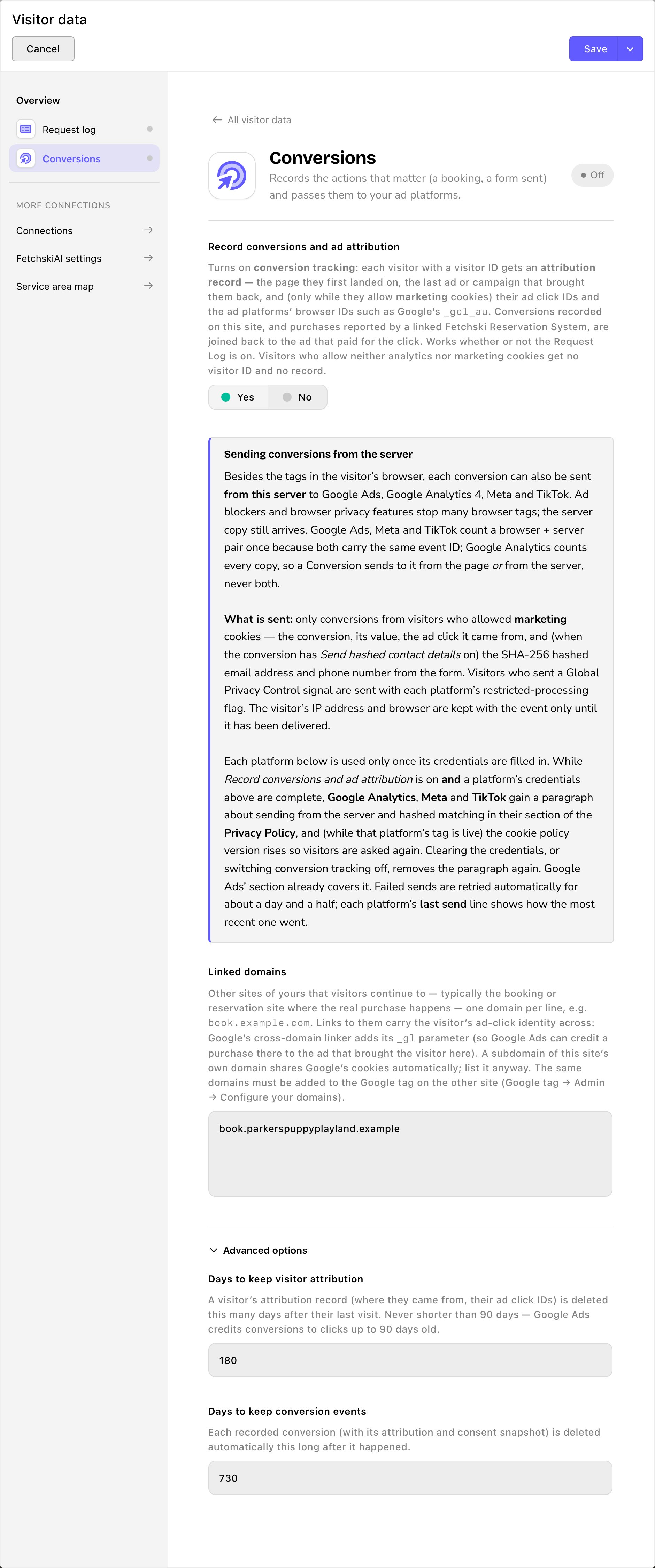
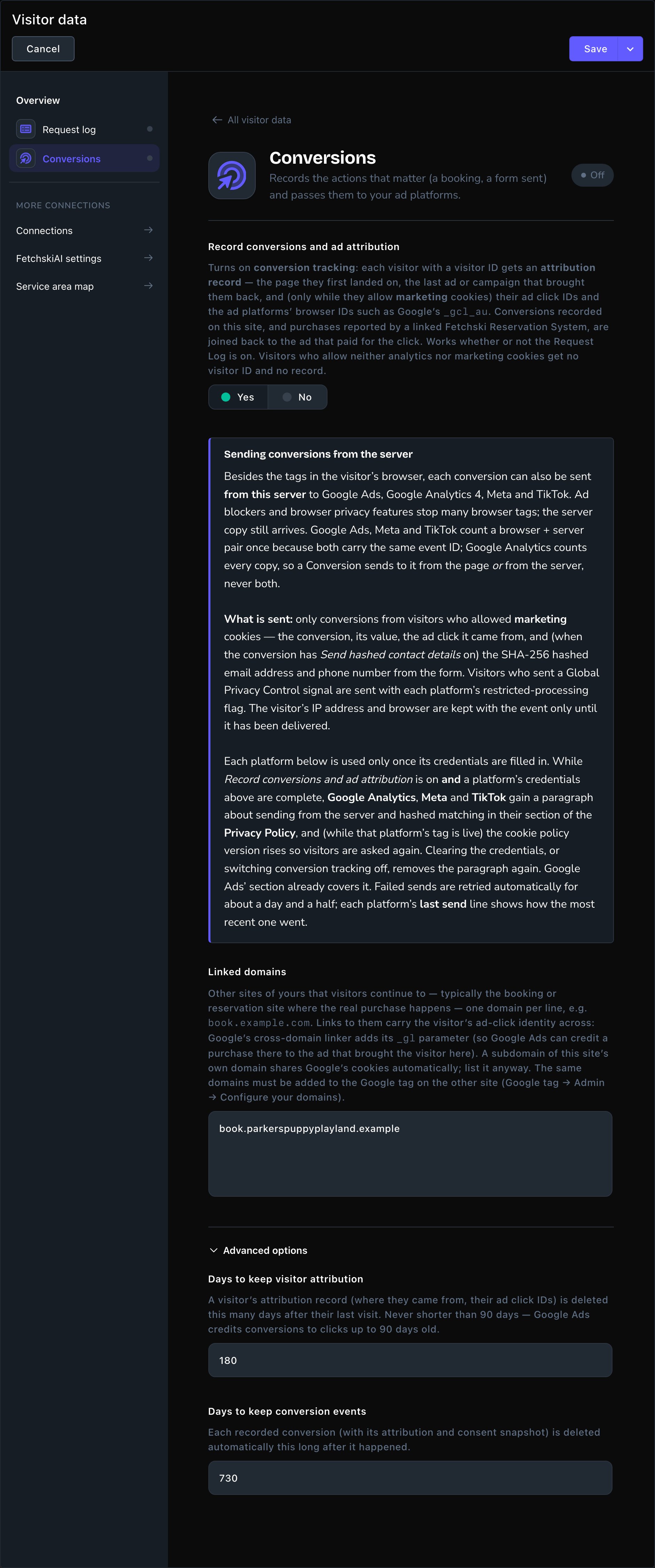
Turn on conversion tracking in Visitor data.
Say what counts
Each conversion is a rule for one action you care about: what sets it off, what it’s worth, and which platforms hear about it.Open Conversions
Start a new one
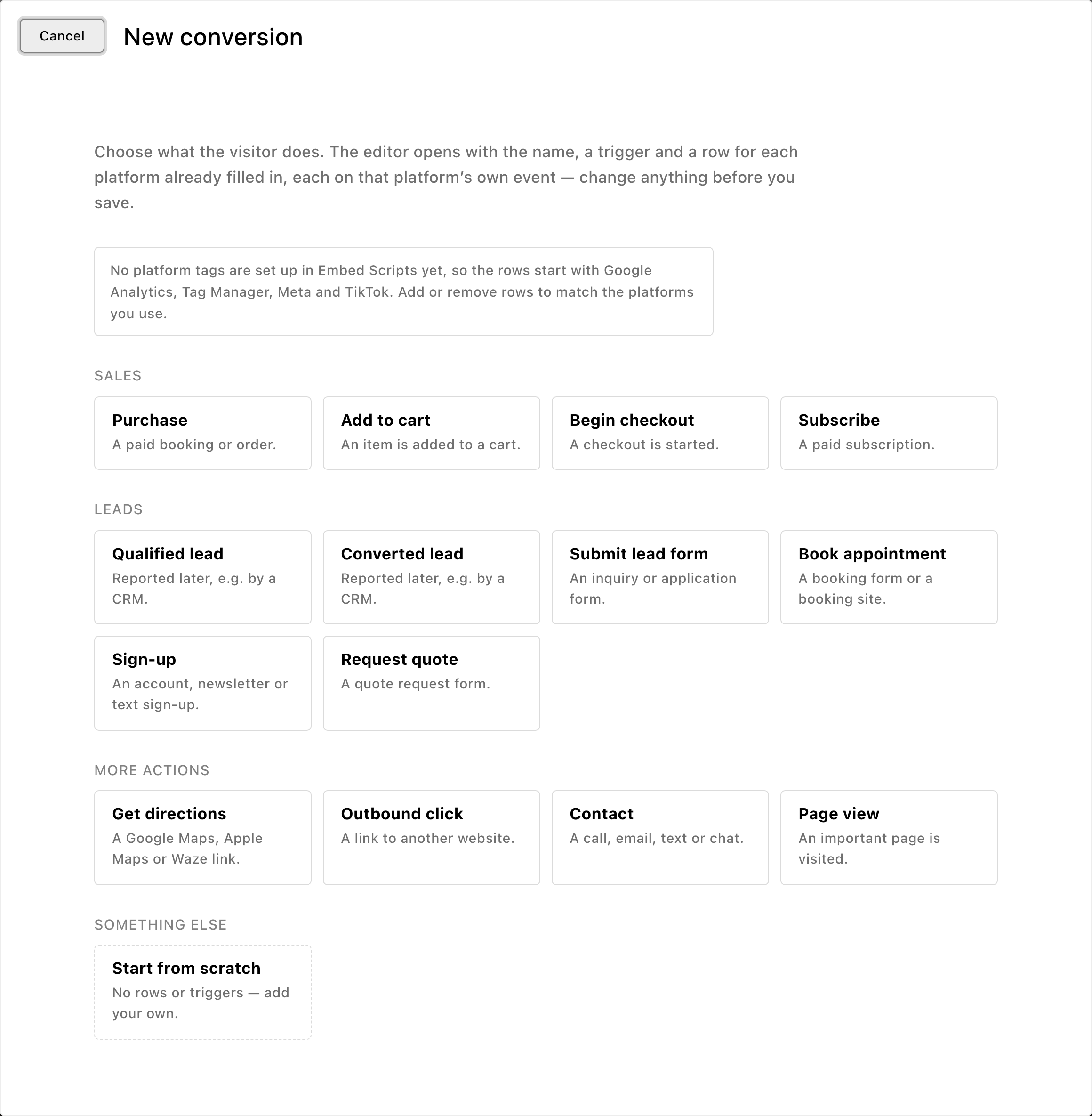
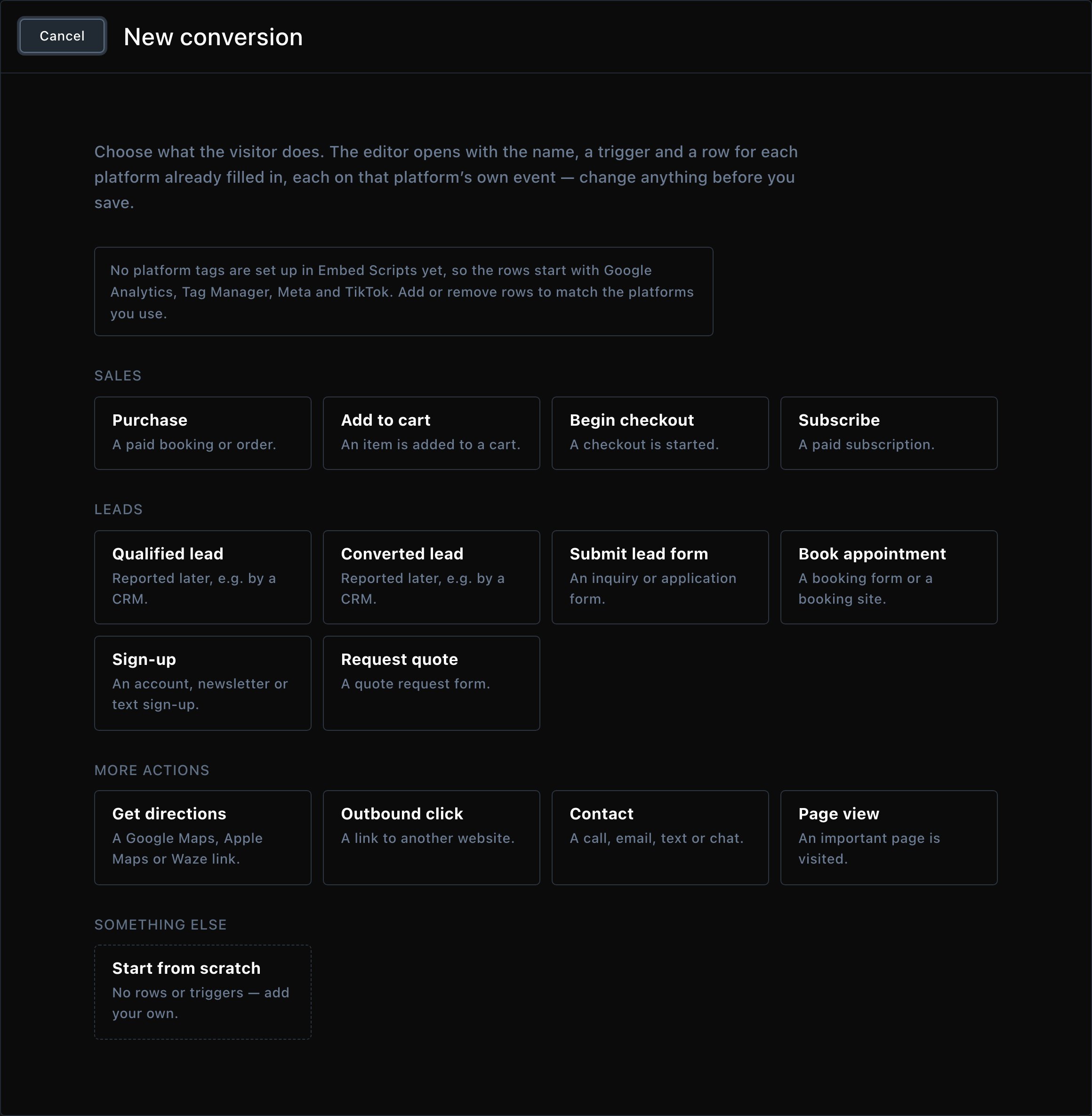
Start from a ready-made conversion, or from scratch.
Check the Conversion tab
- Name: for your own reference, such as “Daycare tour booked”.
- Key: the conversion’s name for other systems. It follows the name as you type. Leave it as it is. Change it only if someone connecting another system, such as a webhook or a report, asks you to, and don’t change it again after they use it.
- Enabled: on, below Key. Turn it off to stop the conversion without losing its settings.
- Triggers: what makes it happen. Add as many rows as you need. In each row, choose When, then fill in what it asks for. Choices include A form is submitted, A phone number is clicked, A page is viewed and A link to another website is clicked.
- Value and Currency: optional. What one of these is worth to you, such as 45 USD.
- Count: Once per visit suits leads and calls: a visitor who clicks your phone number three times is one lead. A visit lasts until they close that browser tab. Every time suits purchases.
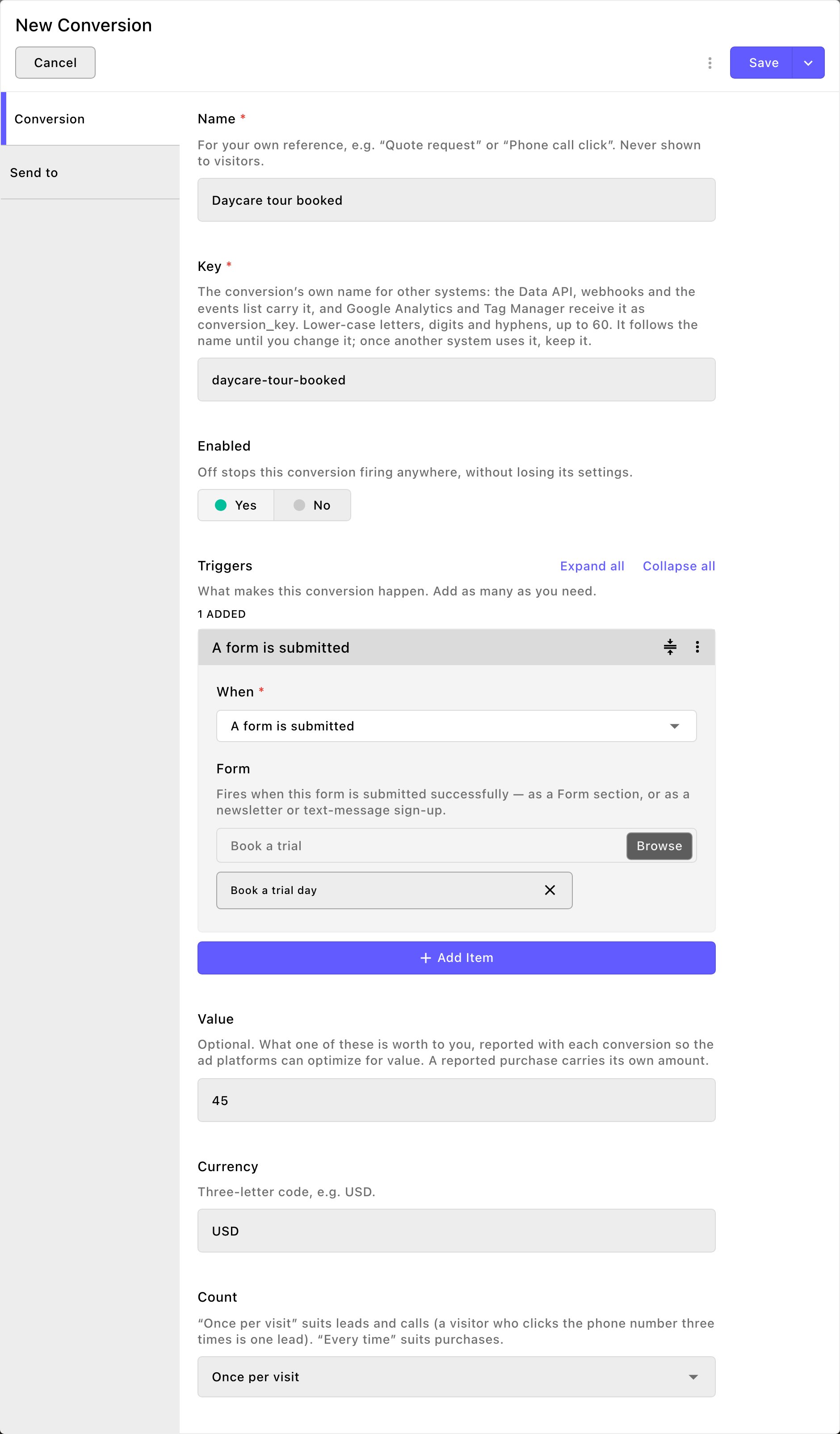
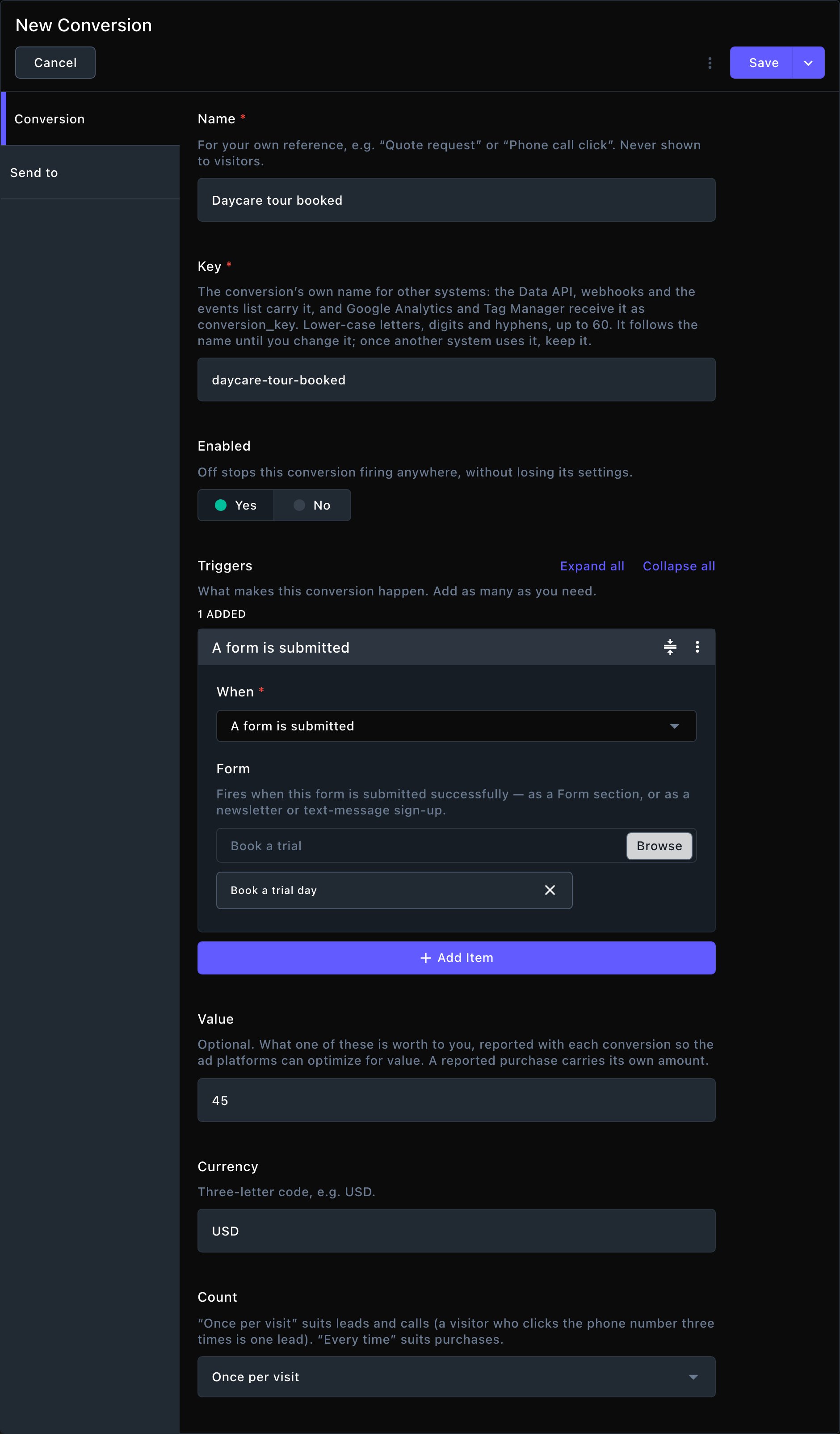
The Conversion tab: what counts, and what it's worth.
Check the Send to tab
- Platform and On: the platform, and whether to send to it. Turn On off to pause a row without losing it.
- Send: From the page (the platform’s tag), From the server or Both (the platform counts the pair once). Sending from the server reaches the platform even when an ad blocker stops the tag.
- Event: what the platform receives, from its own list of standard events. Choose Other (name it yourself) to type your own.
- For Google Ads, paste the Conversion label from your Google Ads conversion action. To send from the server, also paste its Conversion action ID.
- Send hashed contact details: starts on. For form conversions, the form’s email and phone go along as a one-way code (hashed), not as readable text. The platform makes the same code from its own users’ details and compares the two, to find who converted.
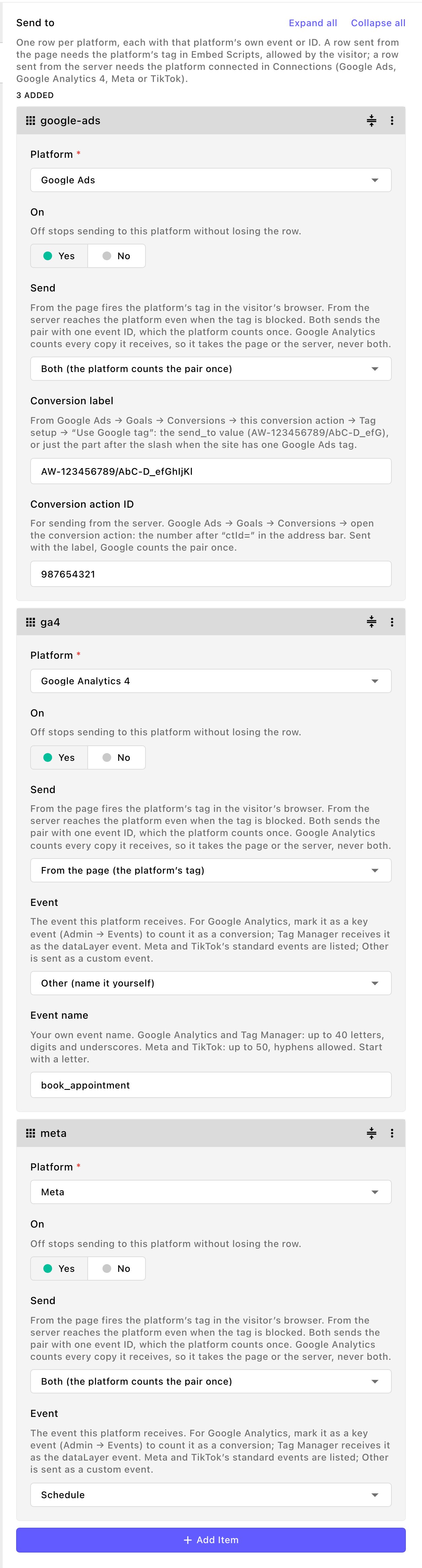
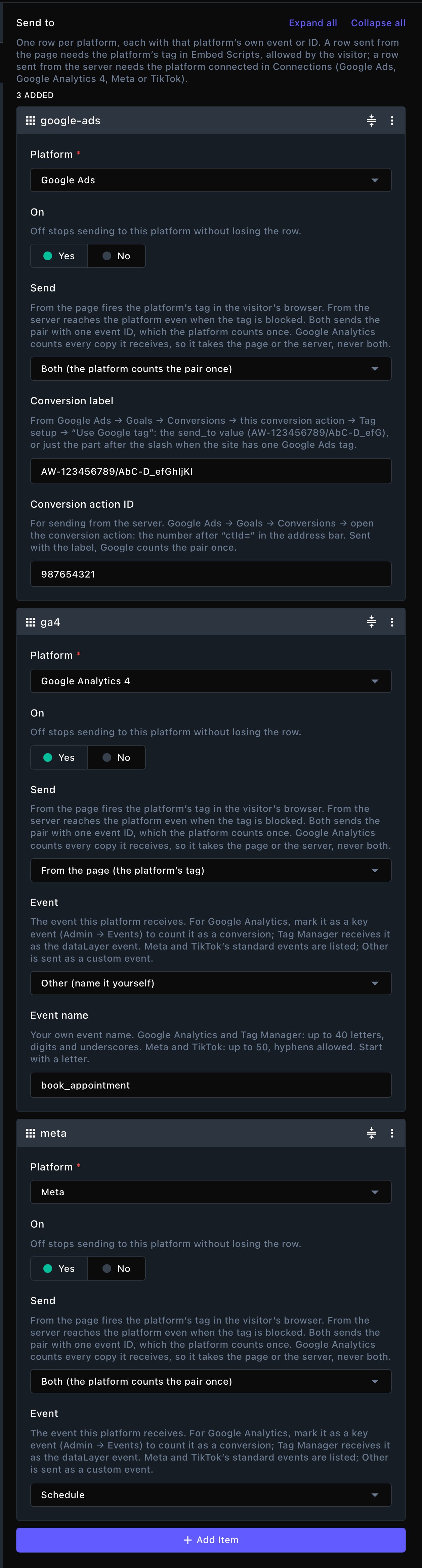
One row per platform, each with that platform's own event.
Save
Try it
Send from the server (optional)
A row whose Send is From the server or Both also needs that platform connected:Open the platform's card
Follow its setup guide
- Google Ads: the service account key file, in Google Ads — service account JSON, and the Google Ads — customer ID.
- Google Analytics 4: a row in Google Analytics — data streams, with the stream’s Measurement ID and its Measurement Protocol API secret.
- Meta: the Meta — Conversions API access token.
- TikTok: the TikTok — Events API access token.
Save
Test it (optional)
- Turn on the test switch, or paste the test code, and choose Save.
- In a private window, do an action one of your conversions counts, such as sending the form.
- In Conversion Events, open that event (View →): its Delivery shows Sent (test mode). Meta and TikTok also show it in their Test events screen.
- Turn the test switch off, or clear the code, and choose Save again. Until you do, real conversions aren’t used for ads.
- Meta and TikTok send only to the pixel set up in Embed Scripts, so a matching Meta Pixel or TikTok Pixel script must be on.
- Google Analytics 4 sends only to a data stream whose Google tag is on in Embed Scripts, with the same Measurement ID.
- Google Ads needs the Conversion action ID on each row sent from the server.
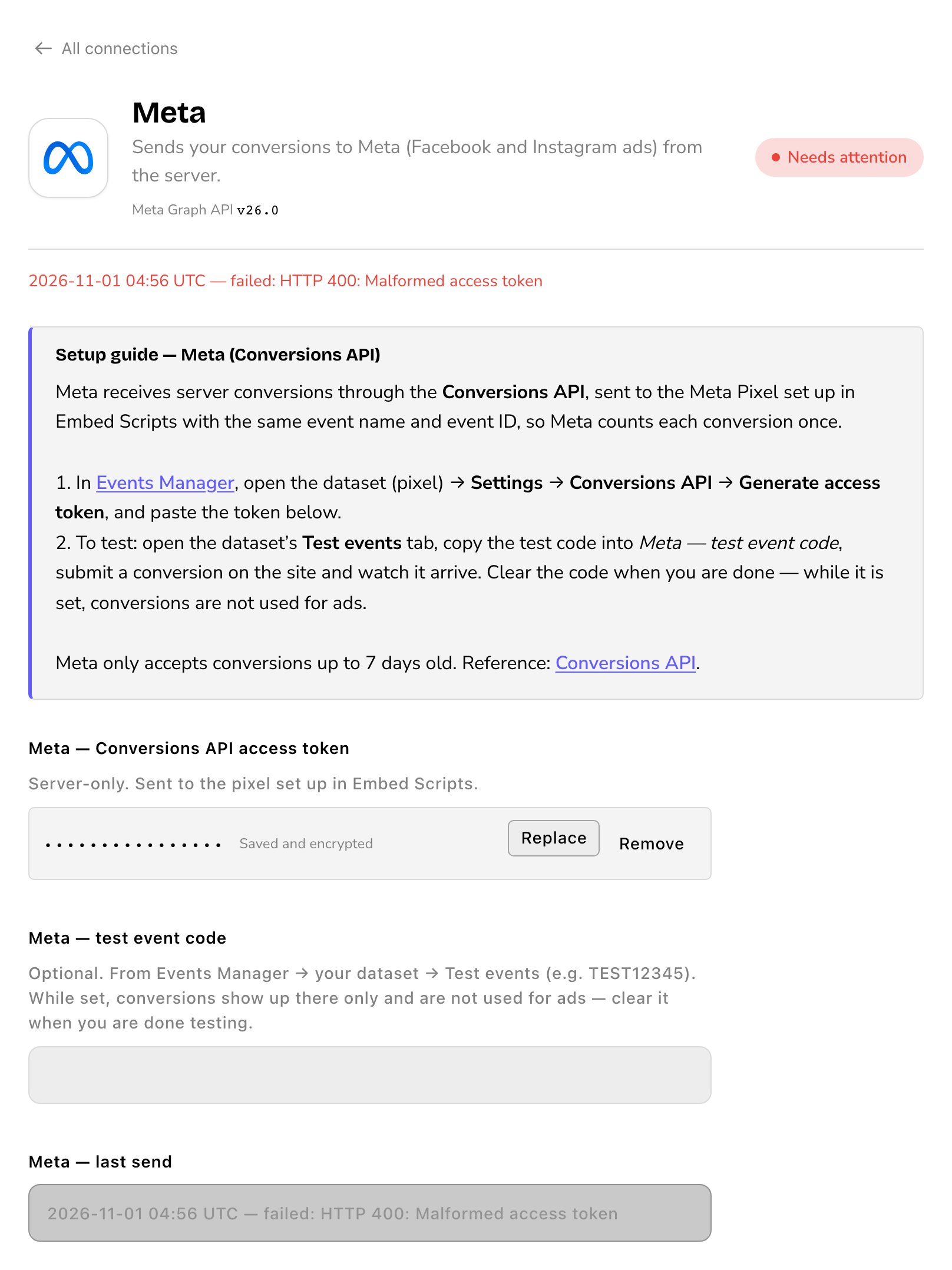
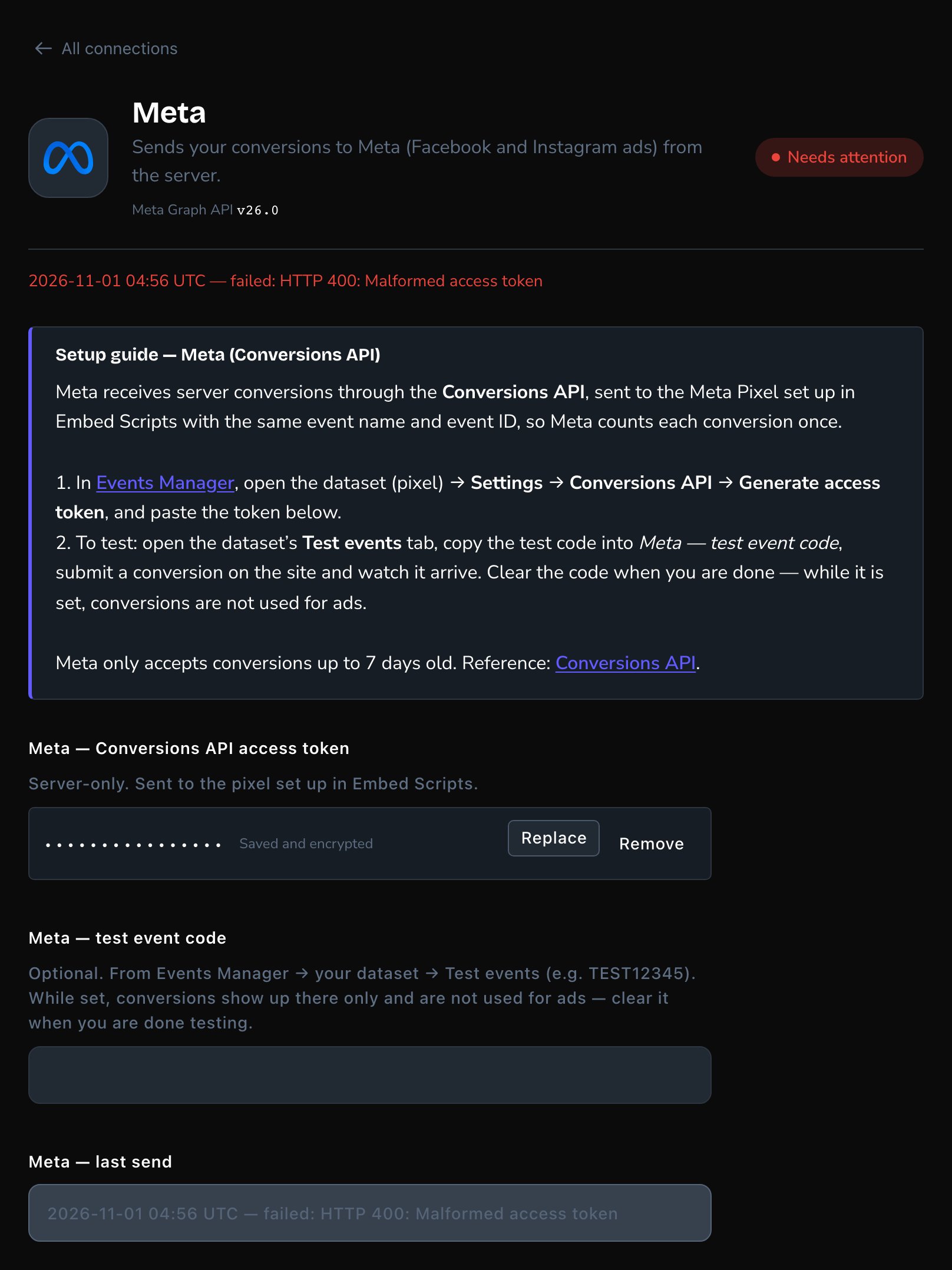
Each card shows how its last send went.
- Off: conversion tracking is off in Visitor data.
- Not set up: the card isn’t filled in.
- Connected: it’s set up. The detail line shows its last send, or “No conversions sent yet.”
- Not sending yet or Needs attention: the last send didn’t go through. The last-send line, such as Meta — last send, says why.
What happens after saving
From then on, each matching visitor action is recorded as a conversion event and sent to the platforms in its Send to rows. A send from the page follows its script’s Consent category in Embed scripts: Google Analytics 4 starts as Analytics, the ad platforms as Marketing. A send from the server, Google Analytics 4 included, always needs marketing cookies. Your Privacy Policy updates by itself. When you connect Google Analytics 4, Meta or TikTok to send from the server, your visitors are asked for consent again.Check what happened
Open the command palette and choose Conversion Events. The shortcut is T then V (press T, let go, then press V, while you’re not typing in a box; see Keyboard shortcuts).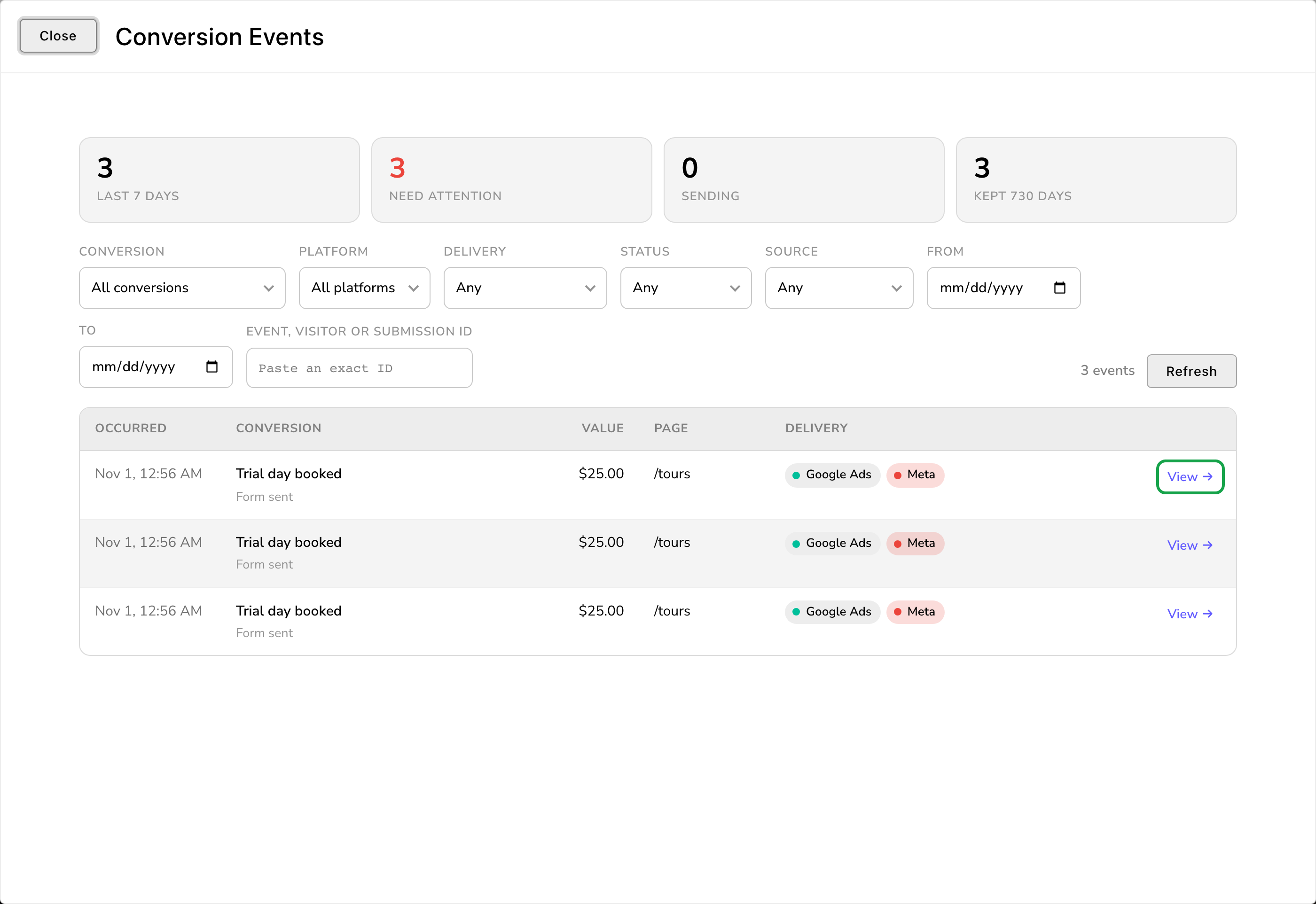
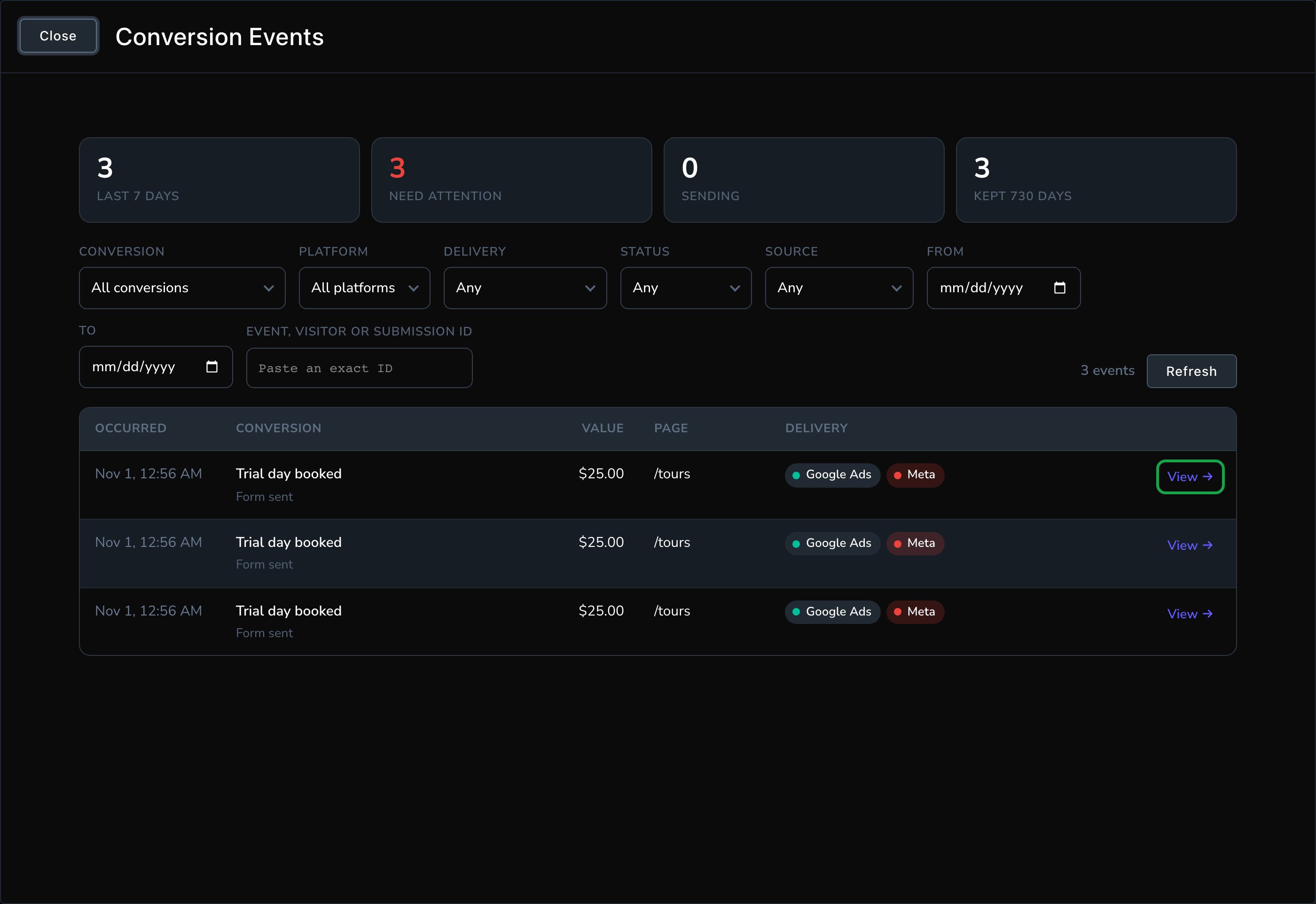
Every conversion, and whether each platform received it.
- The tiles count the Last 7 days, those that Need attention, those still Sending, and how many are kept. Choose Need attention or Sending to show just those.
- The filters narrow the list by Conversion, Platform, Delivery, Status, Source and dates. You can also paste an exact ID into Event, visitor or submission ID. An event ID is one recorded conversion. A visitor ID is one visitor, so it lists all their conversions. A submission ID is one form submission. Each event’s details (View →) list its event and visitor IDs, plus the submission ID when a form set it off, ready to copy.
- Each row shows when it happened, the conversion, its value, the page, and a chip per platform.
- Delivery: for each platform, whether the page’s tag fired, and how the server send went.
- Journey: the visitor’s first visit, the pages they saw (when the request log is on), the ad or campaign that brought them, and their other conversions.
- Attribution and Consent at the time: the ad click details, and what the visitor had agreed to.
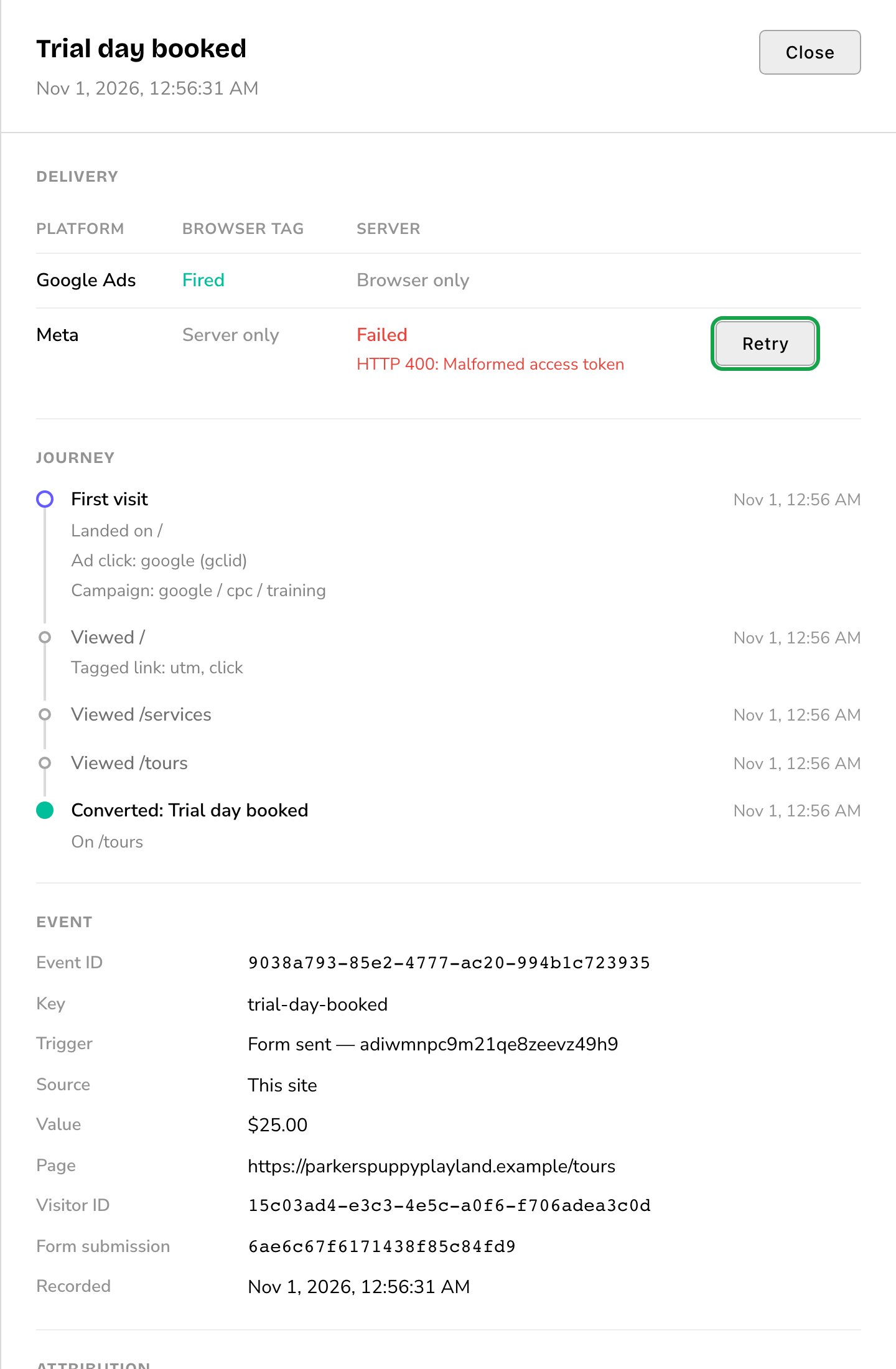
Fix the cause, then retry the send.
Good to know
- Every conversion is recorded, whatever the visitor’s consent. Only sending it to ad platforms needs marketing consent.
- Some visitors have no history. A visitor who allows neither analytics nor marketing cookies isn’t followed from visit to visit. Their conversions are still recorded, without the journey.
- Form Submissions links here. A submission’s details list its conversions. Choose View event to open one in Conversion Events. See Form submissions.
- With tracking off, the history stays. Conversion Events still shows what was recorded, under a notice that nothing new is recorded.
Troubleshooting
Conversion Events says "Track conversions
Conversion Events says "Track conversions
Paste the conversion action ID to send from the server, or choose “From the page”.
Paste the conversion action ID to send from the server, or choose “From the page”.
A Google Ads row asks for the Google Ads tag
A Google Ads row asks for the Google Ads tag
A platform's card says Needs attention
A platform's card says Needs attention