

 AdonisJS
Before you start
- You need a Plausible account, with your site’s address added to it as a website. Plausible walks you through adding it when you sign up; its getting started guide covers the rest.
- To see the dashboard inside the CMS, your Plausible plan must include shared links.
Count your visitors
1
Copy your script address
In Plausible, open your site, then Site Settings → Site Installation. You see a short block of code (the snippet).Copy only the address inside it that ends in
.js, without the quote marks around it. It looks like https://plausible.io/js/pa-XXXXXXXX.js and is unique to your site. Don’t copy the whole snippet, your site’s address or your dashboard’s address.2
Open Site settings
In the toolbar (the bar across the top of your site once you’re signed in; see The toolbar), choose Site settings. Or open the command palette (⌘K, or Ctrl+K on Windows) and choose Site settings.
3
Turn it on
On the Analytics tab, set Analytics provider to Plausible.
4
Paste the address
Paste it into Plausible snippet script URL.
5
Publish
Choose Update. Counting starts with your next visitor.
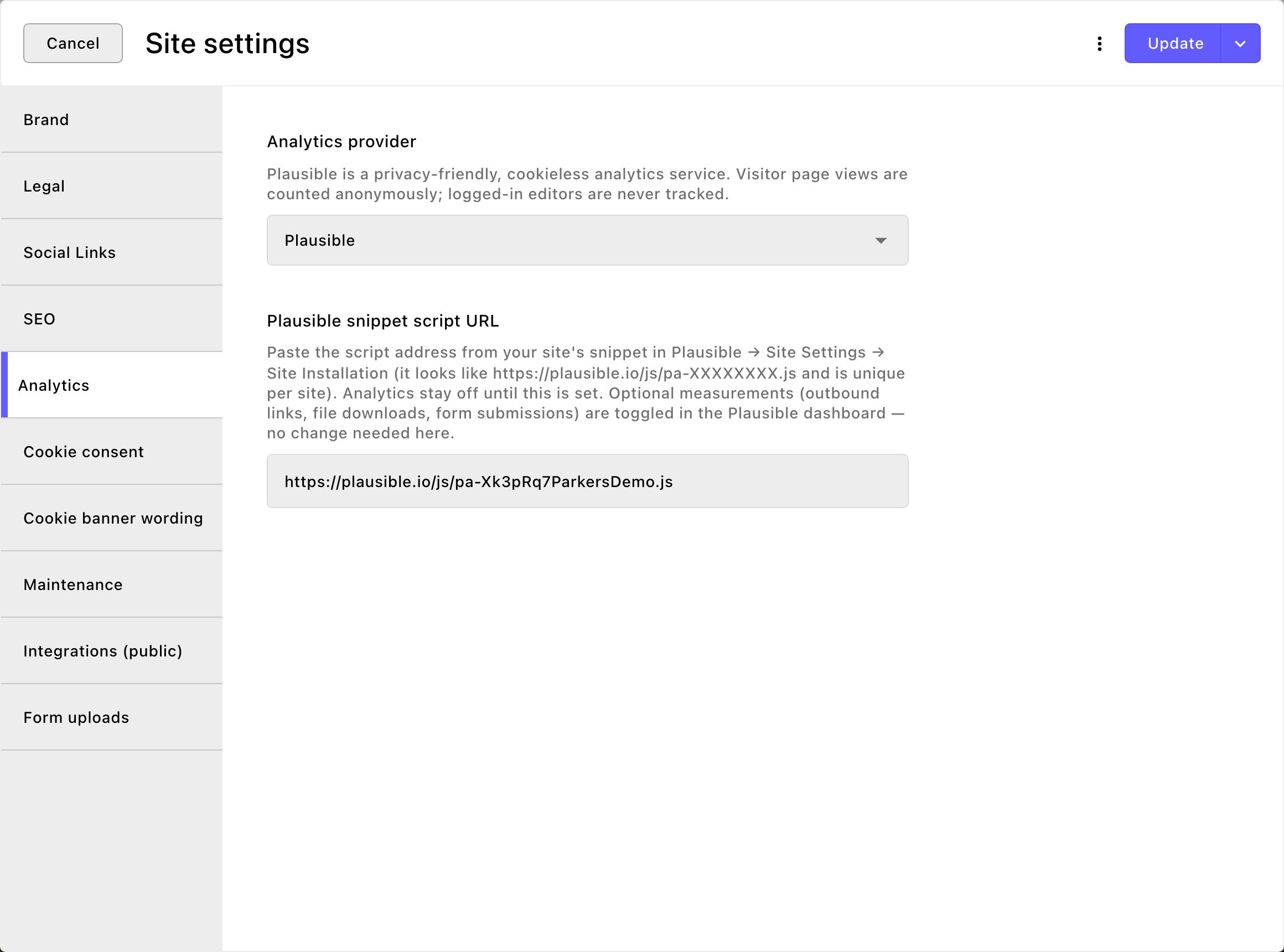
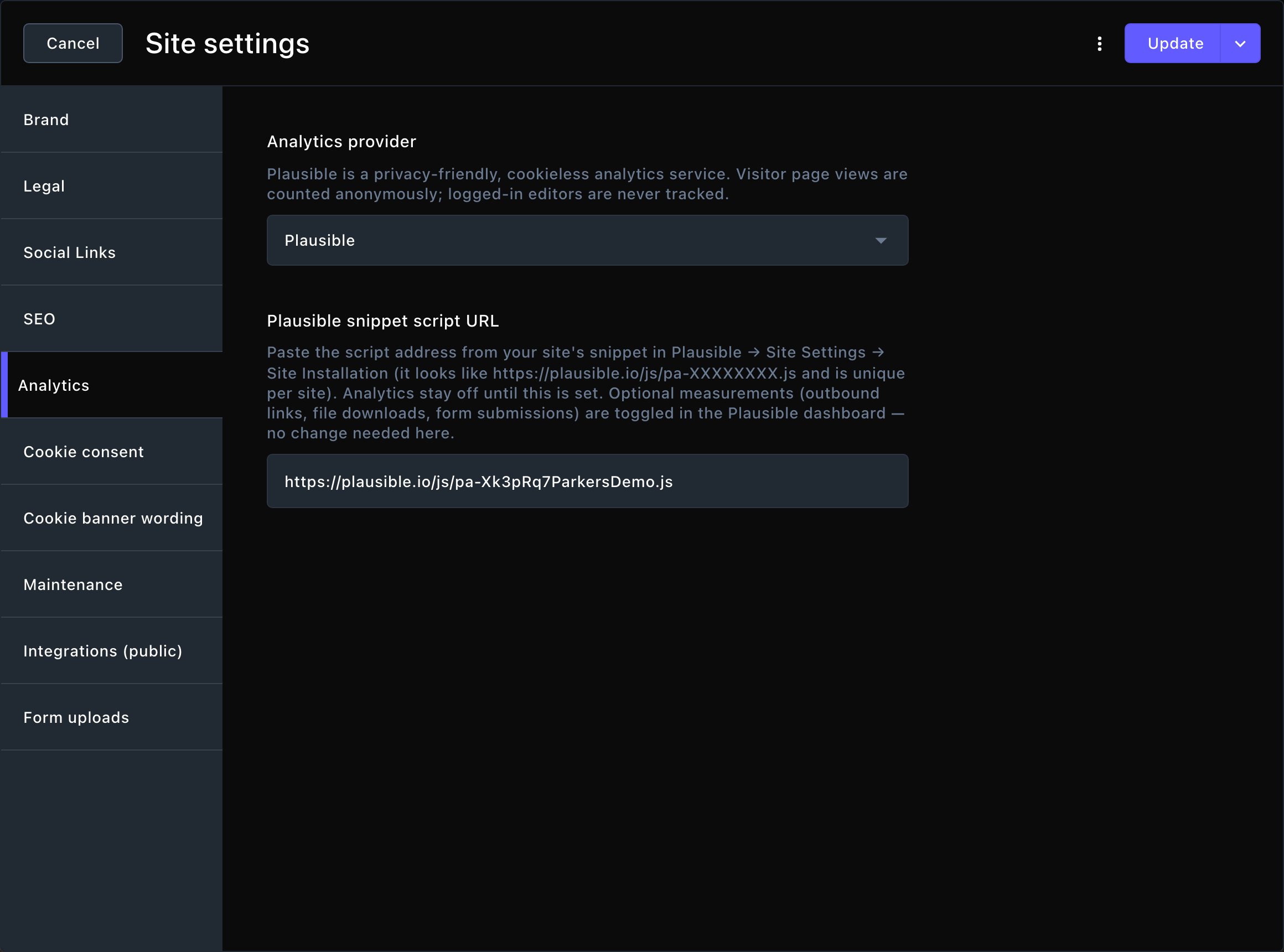
Turn on Plausible and paste your script address.
See your traffic in the CMS
1
Make a shared link in Plausible
In Plausible, open your site, then Site Settings → Visibility → Shared links, and choose New shared link. Name it, such as “CMS dashboard”. Leave the password empty: a link with a password can’t show inside the CMS. Copy the link.
2
Open Connections
In the toolbar, choose Connections. The shortcut is T then E (press T, let go, then press E, while you’re not typing in a box; see Keyboard shortcuts).
3
Open the card
Under Analytics, choose Plausible Analytics. Its Setup guide — Plausible shared link walks you through step 1 again if you need it.
4
Paste the link
Paste it into Plausible shared link (dashboard embed).
5
Save
Choose Save. The card’s badge turns to Connected. That means the link is saved, not yet that it works: check it in the next step.
6
Check it works
Open your site in a private window (Incognito in Chrome), which isn’t signed in, and visit a page or two. Your own signed-in visits never count, so this step matters. After a short wait, the visit shows in Plausible’s current visitors, and in the Analytics Dashboard (below).
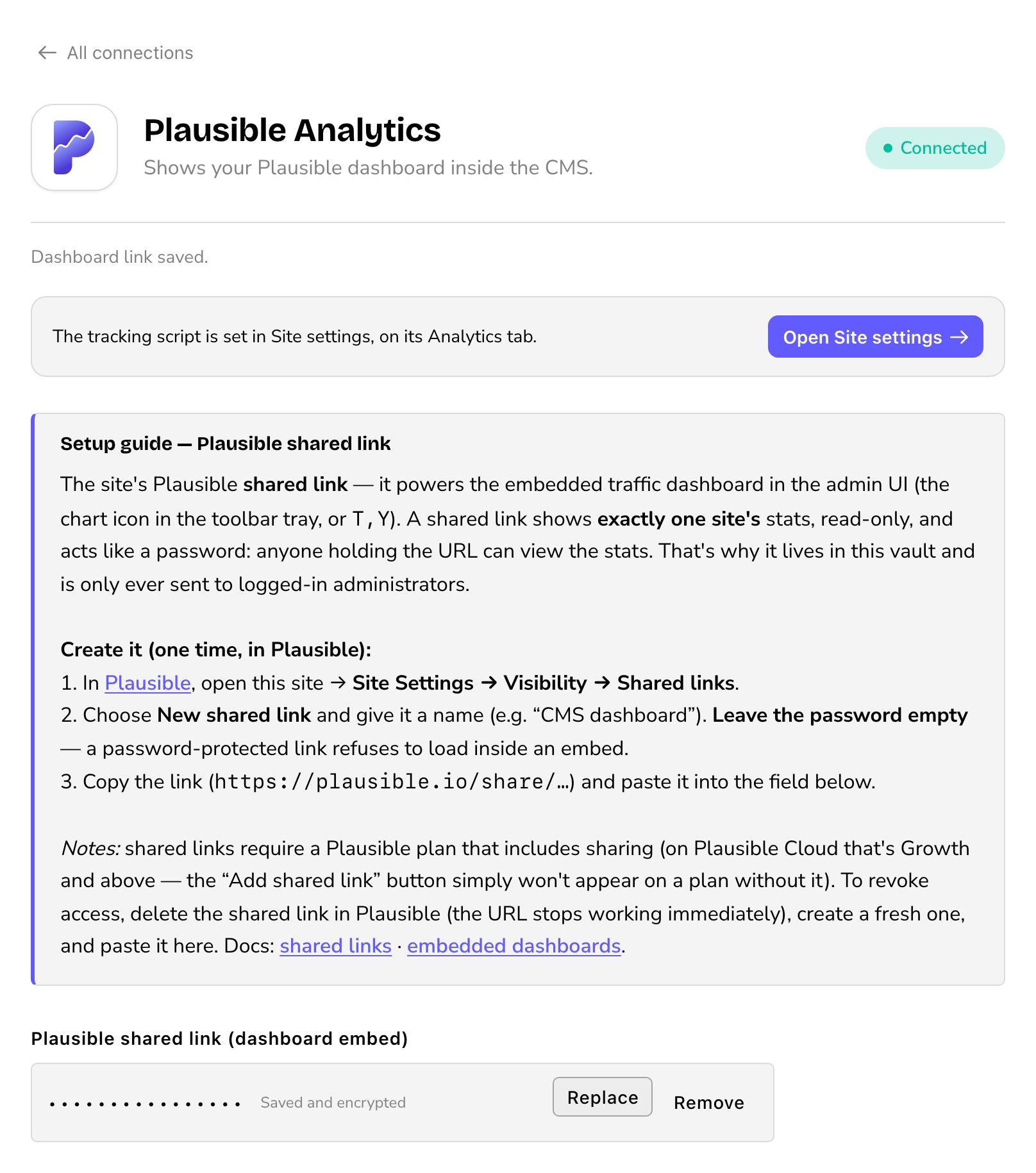
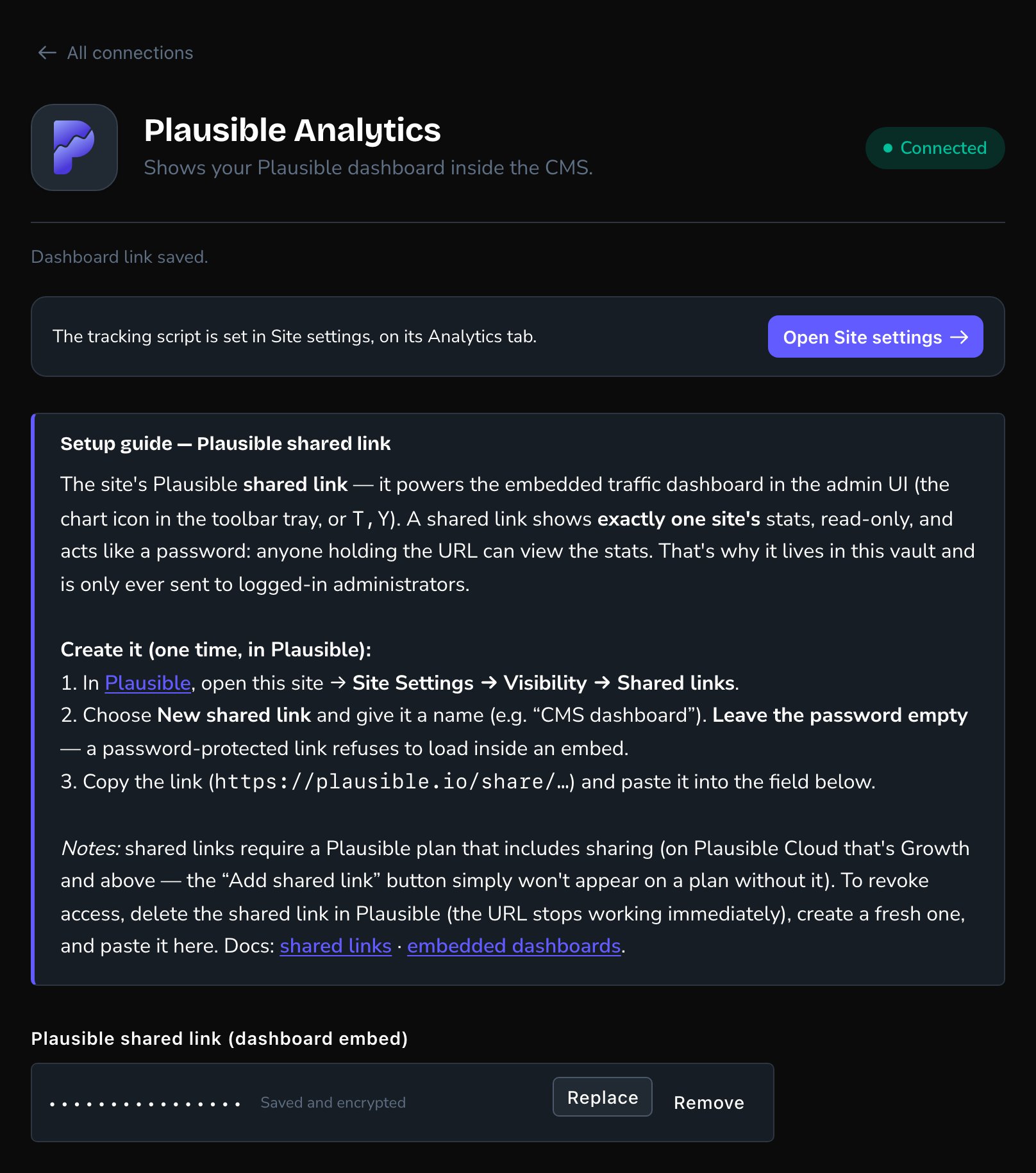
The shared link lets the CMS show your Plausible dashboard.
Open the dashboard
In the toolbar, choose Analytics Dashboard (the chart). Or open the command palette and choose Analytics Dashboard. The shortcut is T then Y. Your Plausible dashboard opens in a window, in the same light or dark look as the CMS. Choose Open in Plausible to open it in a new tab.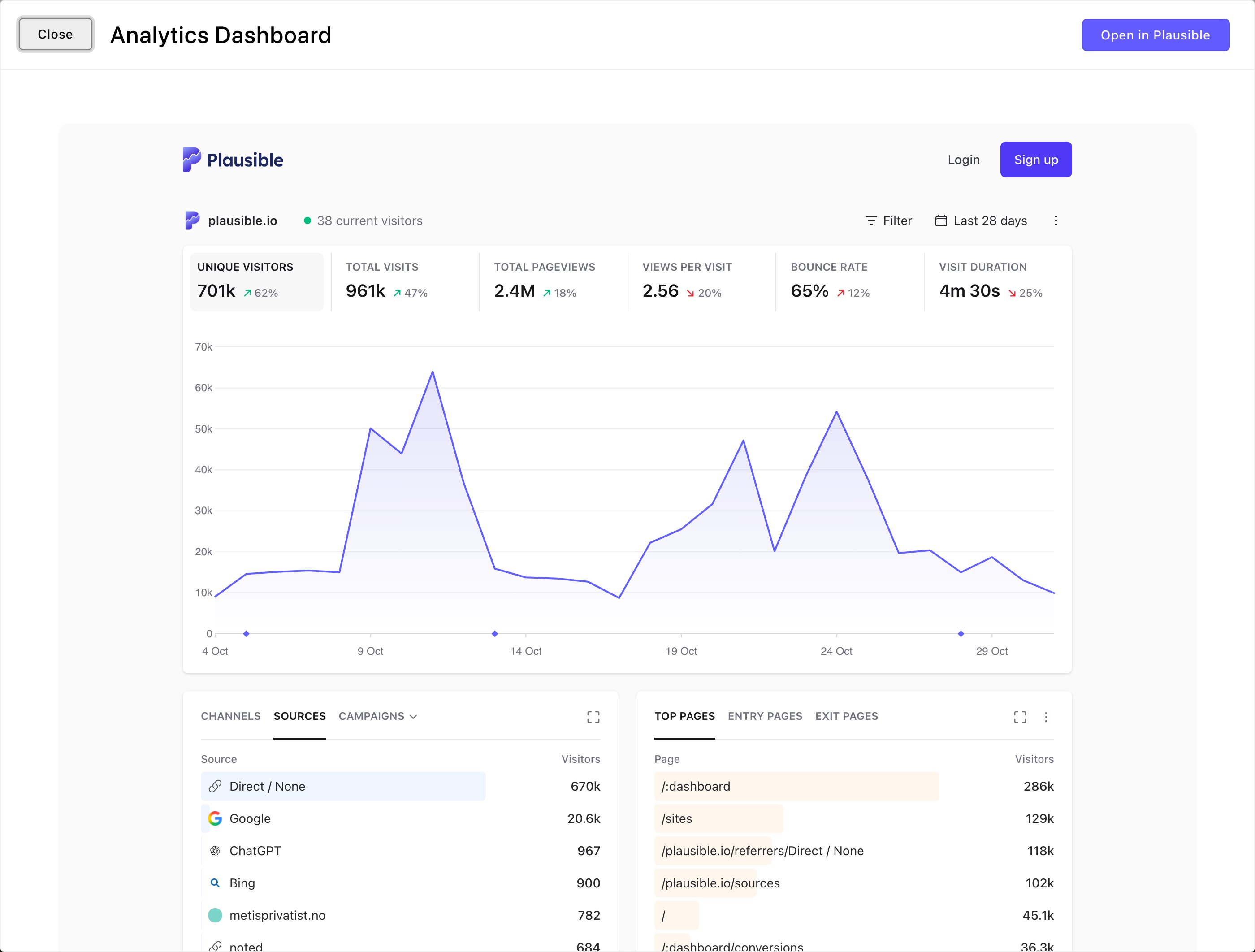
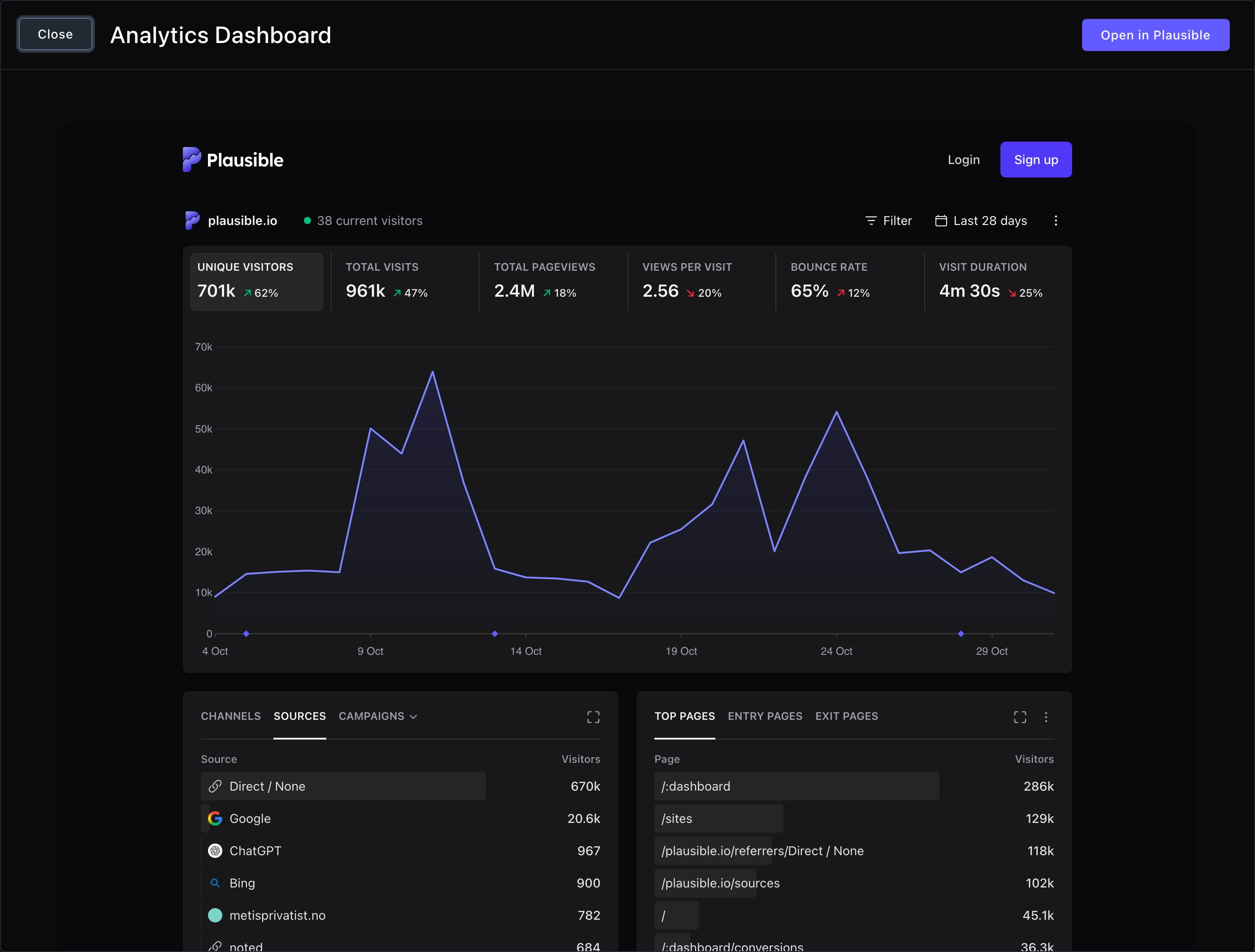
Your traffic, without leaving the CMS.
Good to know
- Your own visits don’t count. Anyone signed in to edit the site is never counted.
- Plausible still follows your cookie banner. It sets no cookies, but it counts as Analytics. Where visitors must opt in, it counts a visitor only after they allow analytics, and anyone who declines analytics isn’t counted. Your other services keep their own consent kinds. See Cookie consent.
- Extra measurements are set in Plausible. You turn on outbound links, file downloads and form sends in your Plausible dashboard. Nothing changes in the CMS.
- The shared link works like a password. Anyone who has it can see your stats. It’s sealed when you save, and shows as dots. To cut off access, delete the link in Plausible, make a new one and paste it here.
- Who sees the dashboard. Admins and Owners. To show it to someone else, give them the See site analytics and ad metrics permission in People & Roles.
Troubleshooting
The window says "Connect your traffic dashboard
The window says "Connect your traffic dashboard
No shared link is saved yet. Choose Open Connections and follow “See your traffic in the CMS” above.
The window says "That link doesn’t look right
The window says "That link doesn’t look right
What’s saved isn’t a Plausible shared link. A shared link has “/share/” in it. Make sure you copied the shared link, not the address of your dashboard. Choose Open Connections, choose Replace and paste the right link.
The dashboard doesn't load
The dashboard doesn't load
The shared link probably has a password. Delete it in Plausible, create a new one without a password, and paste that one in.
I don't see Analytics Dashboard in the toolbar
I don't see Analytics Dashboard in the toolbar
It’s for Admins and Owners. Ask one of them for the See site analytics and ad metrics permission.
Related
Request log
every visit, with the ad or campaign it came from.
Conversion tracking
see which ads bring you customers.
Site settings
the Analytics tab and the rest.
Connections
every outside service in one place.