

 AdonisJS
How memory works
Each note has a title, a one-line description and the note itself. At the start of every conversation, the Agent reads the list of titles and descriptions, and opens a full note only when it’s relevant. When the Agent saves a note on its own, it tells you in the conversation. Notes are kept in FetchskiAI Memory, where you can check what it remembers. The notes are shared across your site. Everyone who uses the Agent works from the same notes, whoever’s conversation wrote them, and Editors, Admins and Owners can read them all. For instructions just for you, use your personal AI instructions instead.Turn memory on
Memory is off on a new site.1
In the toolbar, choose FetchskiAI → FetchskiAI Agent Setup
2
Open the Memory tab
3
Turn on Give the agent a memory
4
Leave Let the agent save notes on its own on to let it write notes itself
Turn it off if you want the Agent only to read the notes people write.
5
Choose Save
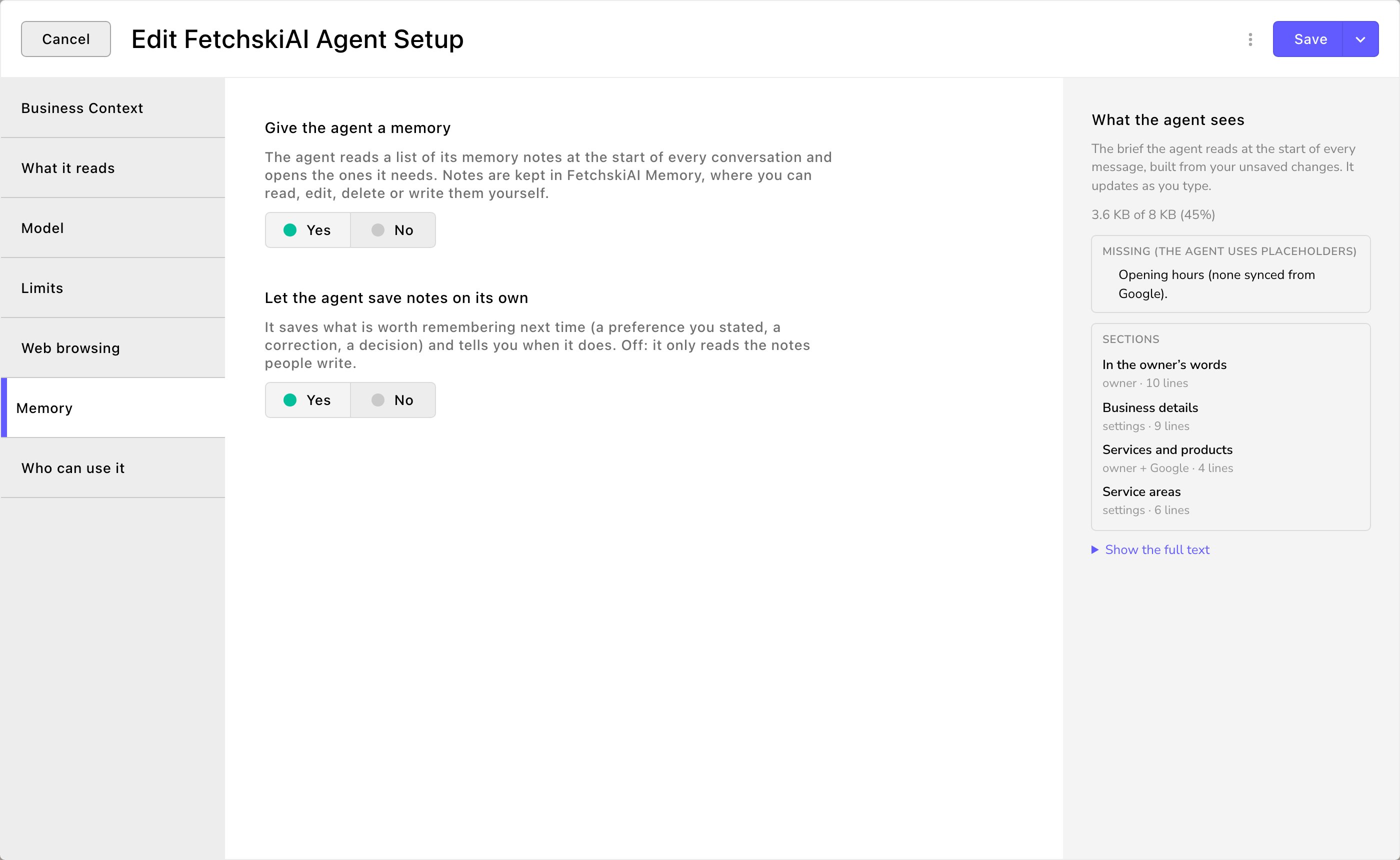
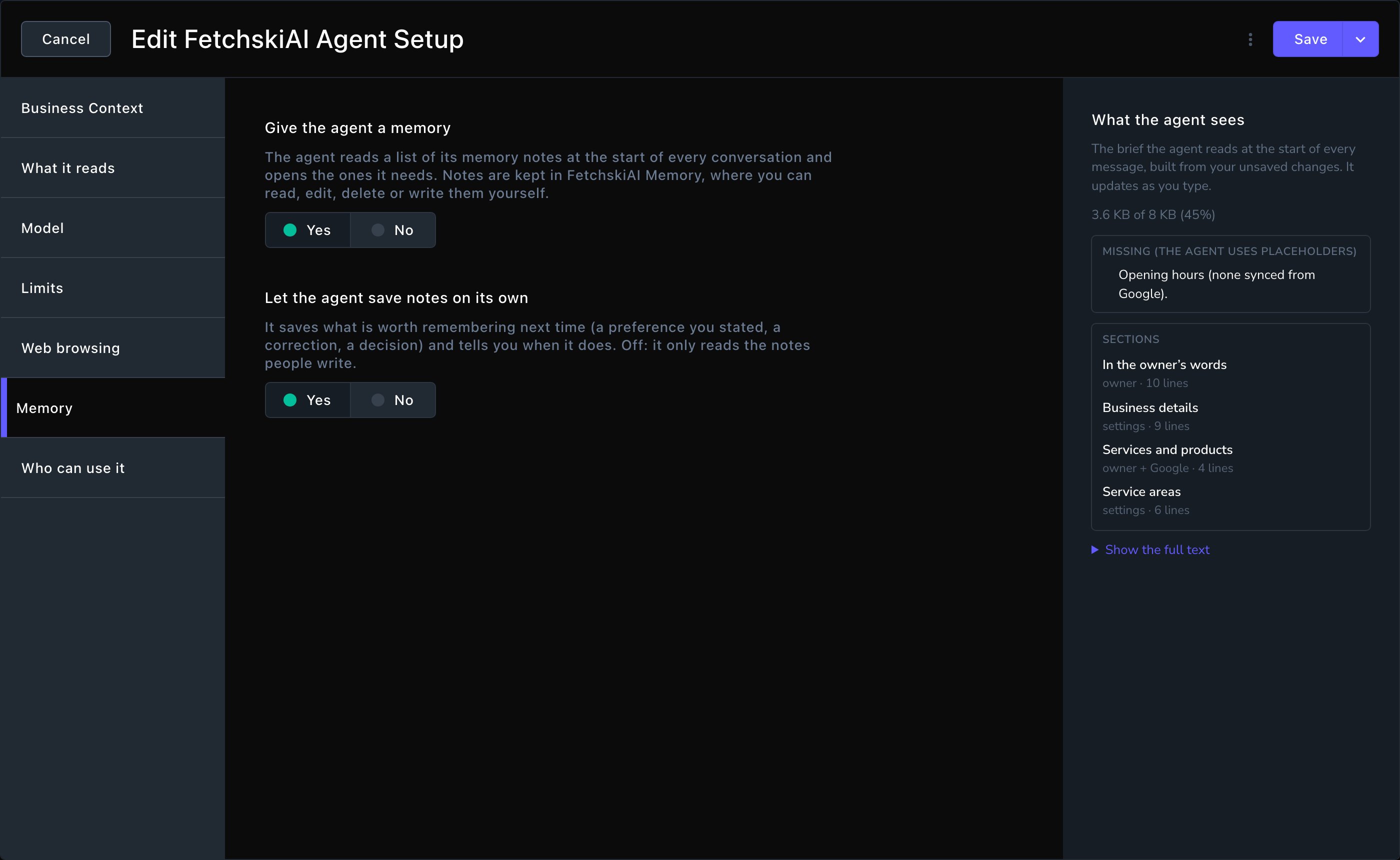
Give the Agent a memory, and choose whether it writes its own notes.
Read the notes
- Admins and Owners: in the toolbar, choose FetchskiAI → FetchskiAI Memory.
- Everyone who can read them, Editors too: open the command palette (⌘K, or Ctrl+K on Windows) and choose Go to FetchskiAI Memory, or press G then Shift+R. Editors don’t have it in the toolbar.
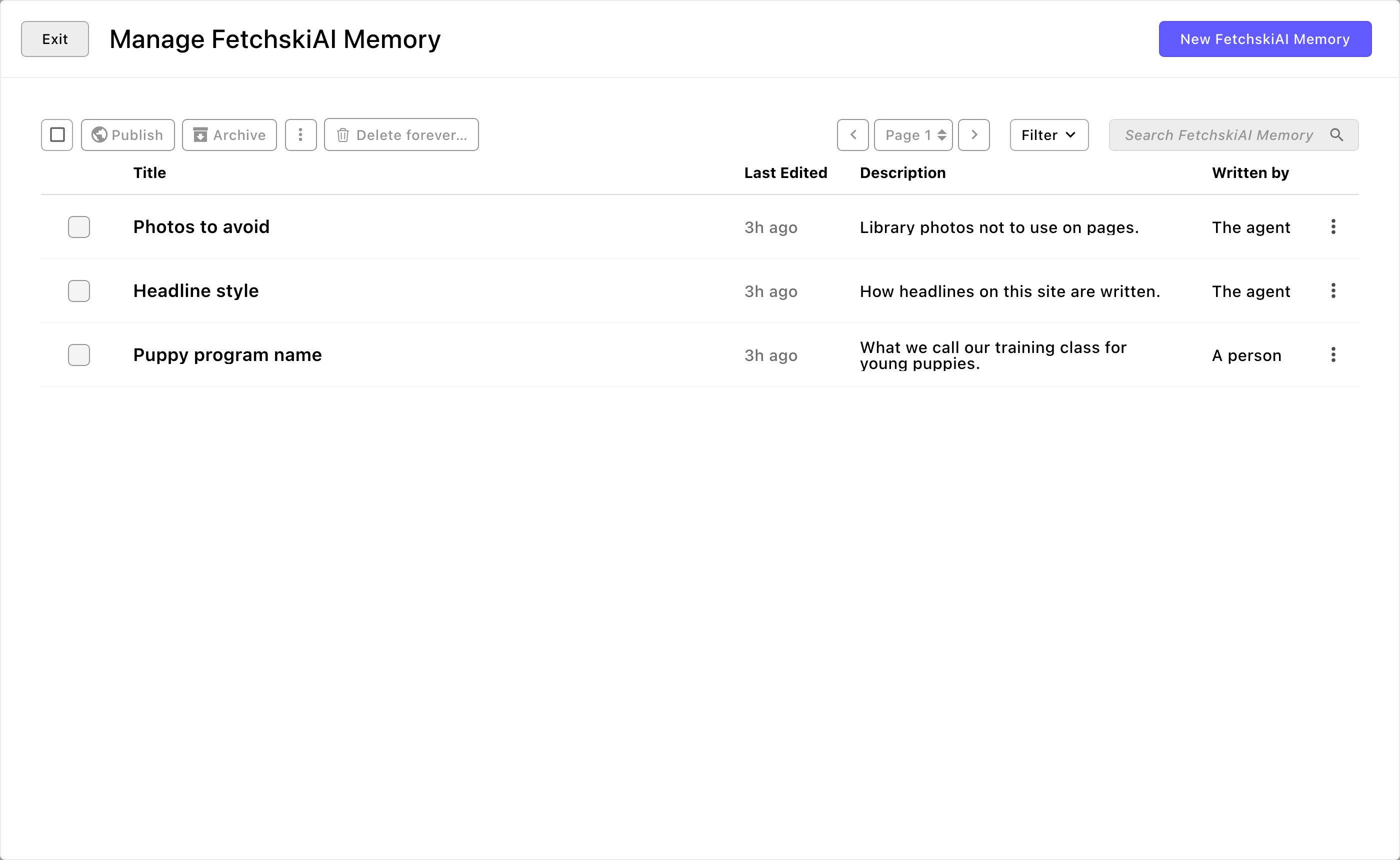
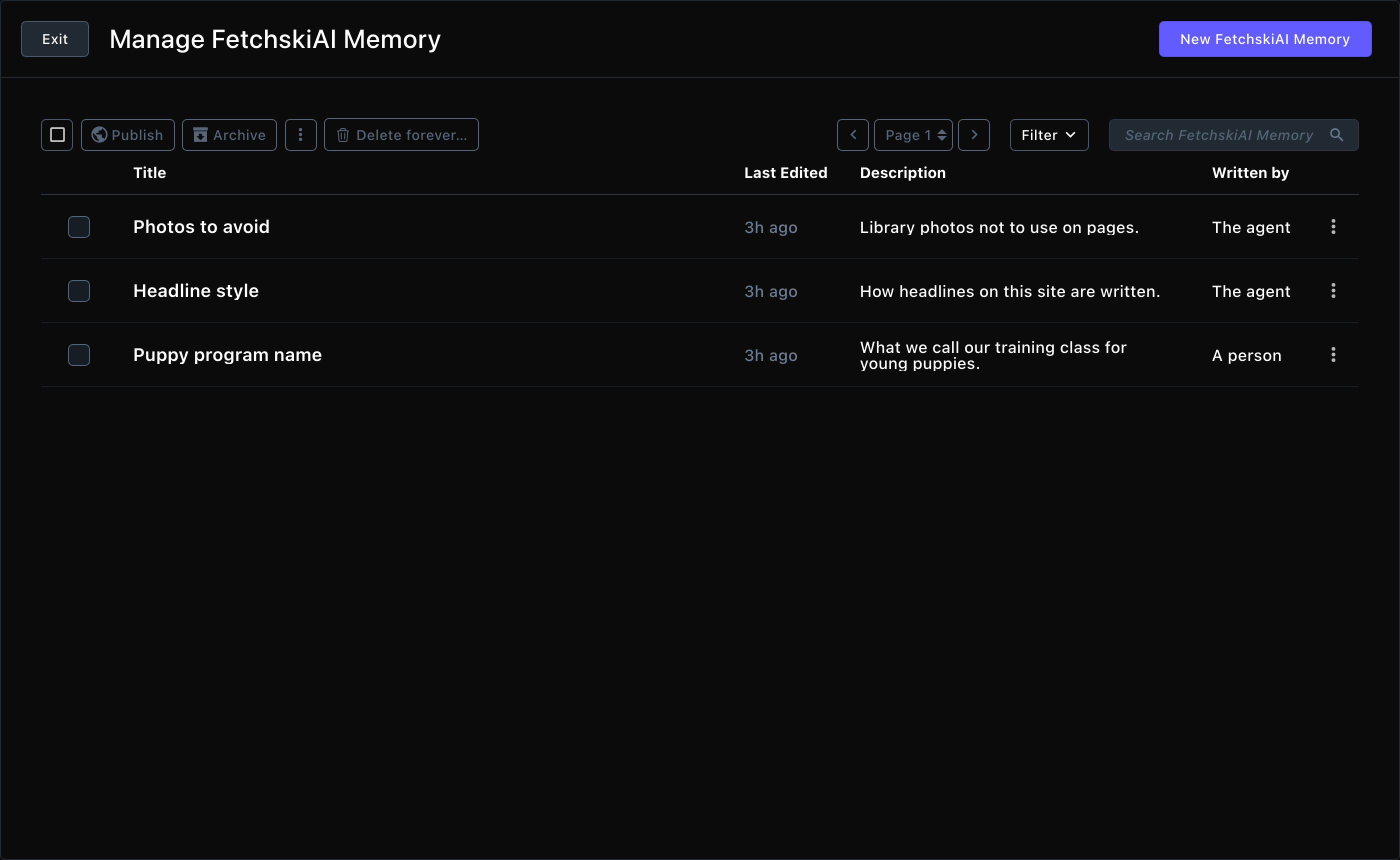
Every note the Agent keeps, and who wrote it.
Write or correct a note
Teach the Agent something once, and it uses that note from then on. It can still get things wrong, so check its work. Admins and Owners can write notes by hand and fix the ones it saved. Editors, ask an Admin to add or fix a note.1
Open FetchskiAI Memory and start a new note, or choose an existing one
2
Fill in the note:
- Title: a short name, such as “Puppy program name”.
- One-line description: what the note is about. The Agent sees this line in every conversation and opens the note when it’s relevant.
- Note: the fact, preference or decision, and why. For example: “Our training class for dogs under 6 months is called Puppy Kindergarten. Always use that name, never ‘puppy class’.”
3
Save the note
It takes effect from the Agent’s next conversation, with no publishing step.
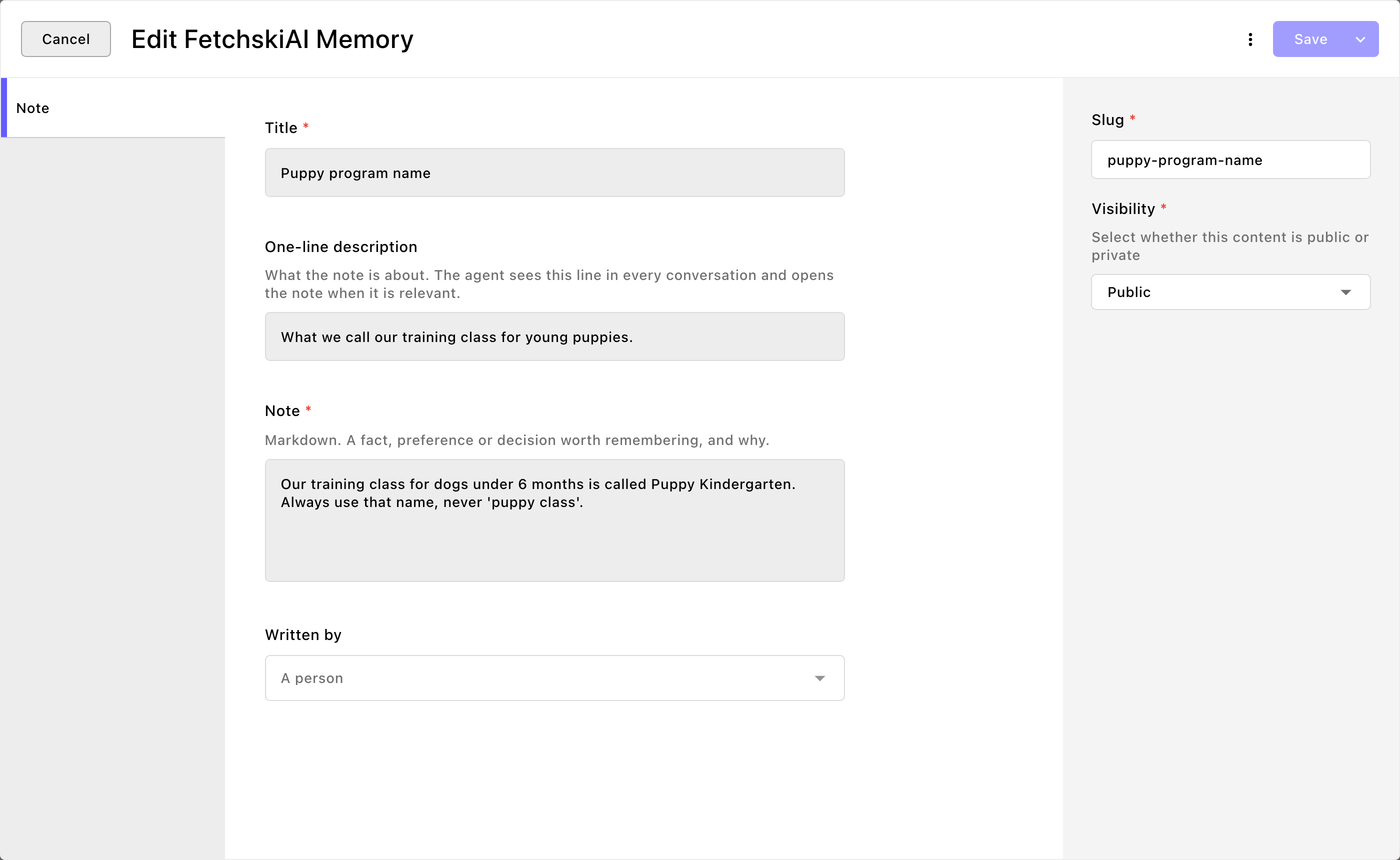
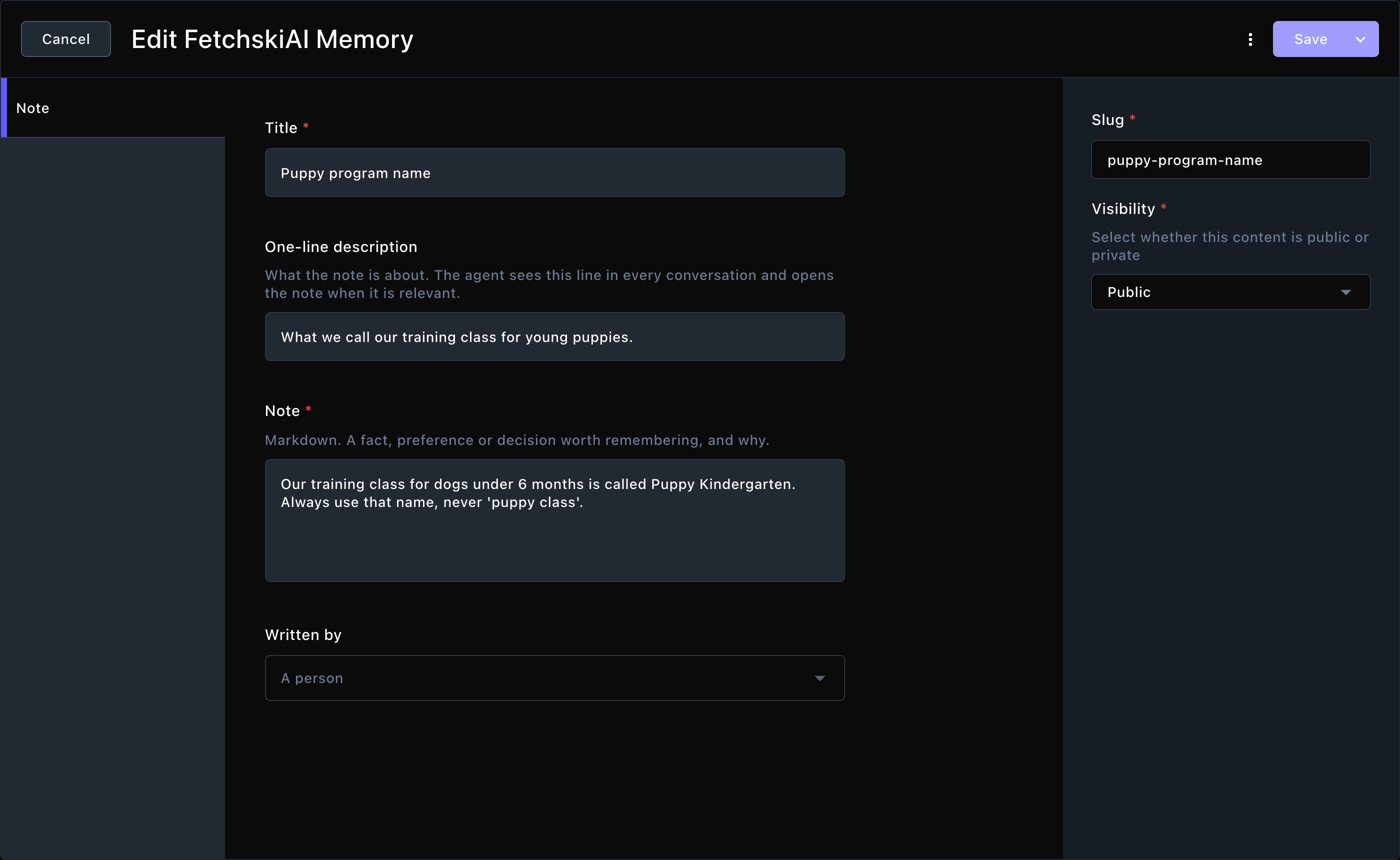
Write a note once, and the Agent follows it from then on.
Good to know
- Revert doesn’t touch memory. Revert run undoes the Agent’s changes to your pages, but not the notes it saved. Fix or delete a wrong note in FetchskiAI Memory.
- Every change is kept. A note’s earlier versions are in Document Versions, so you can undo an edit. See Versions.
- Notes aren’t published. Visitors never see the notes themselves. But the Agent uses what’s in them, so a fact from a note can end up in the text it writes for your pages. Leave anything you’d never want on your site out of notes.
- Keep notes short and specific. One idea per note, with a clear description, helps the Agent find the right one.
- Memory is for facts, Skills for know-how. To teach the Agent how to do a kind of task, write a Skill instead.
Related
The FetchskiAI Agent
the agent that reads your notes.
Agent Setup
turn memory on, and set the Agent’s other options.
Skills
know-how for the tasks you repeat.
Custom instructions
standing instructions for every AI feature.